
April 10, 2026
How to Host a Public Event: Introducing Open Invites on Partykin
Learn to host an open event with a shareable link. Partykin public events include guest registration, RSVP tracking, wishlists, and contact management.
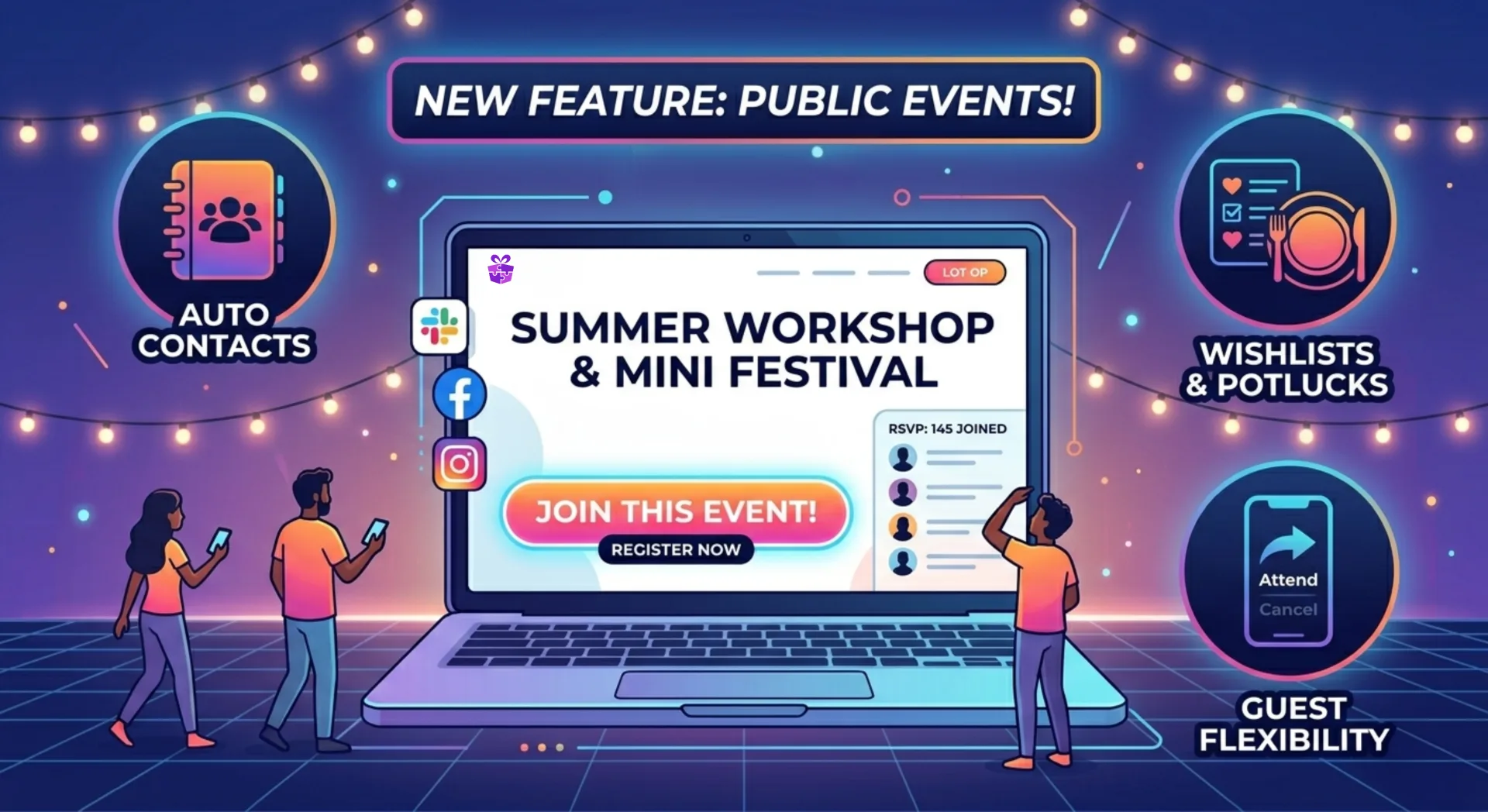
The public events feature has been sitting in our backlog under the “someday we’ll get to it” category for a while now. We honestly planned to hold off on it and focus on other tech priorities. But you know how it goes: sometimes a fresh perspective from the outside is all it takes to completely shift your roadmap.
After getting some feedback from our community, we realized one simple truth: you didn’t need the ability to share an open event link “next quarter”—you needed it right now. We looked at each other, agreed it was a no-brainer, and bumped this feature straight to the top of our to-do list.
Say hello to the Public Event feature. Here’s how it works and who’s going to love it.
How Do Public Events Work?
Previously, Partykin was all about private parties where you curated a list and sent out personal invites. Now, you can throw the doors wide open to anyone with the link.
Tech-wise, it’s super simple:
- When creating your party, just select the “Public Event” option.
- Drop the link on your socials, in work chats, or community groups.
- Guests click the link and register themselves.
What if you already set up a private event and then decided to invite the whole neighborhood? No sweat. You don’t have to start from scratch. You can flip a private event to public with a single click by just tweaking your event settings.
RSVP Tracking & Guest Flexibility
Hosting an open event can be a little nerve-wracking: how many people are actually going to show up? We made sure you’re always in the loop:
- Real-time RSVP Tracking: You can see the list of everyone who registered as it happens. No more guessing how much food you need to order for the buffet with RSVP tracking.
- Plans change—and that’s okay: We made it super easy for guests to change their minds. If something comes up, they can easily update their registration status, and you’ll instantly see the most accurate headcount.
Who Is This For?
This new format is perfect for events where your guest list is built on the fly:
- Office parties & corporate events: Celebrating a company anniversary or a big team-building day? Just drop the link into the general Slack channel and let your coworkers sign themselves up.
- Schools, daycares & kids’ clubs: Charity fairs, open houses, recitals, or big sports days—now you can gather registrations from parents without the chaos of endless group chats.
- Workshops & local festivals: Hosting a lecture, a pottery class, or an open movie night? A public link is all you need to gather your audience.
Sweet Bonuses: Contacts, Wishlists, and Potlucks
We know you love our party planning tools, so we kept them fully functional for public formats too:
- Automatic Contact Book: Everyone who registers for your open event is automatically added to your Partykin contacts. Next time you host a workshop or a party, inviting those folks again takes two seconds.
- Wishlists & Potlucks: Yep, they still work! Even at a massive open event, guests can claim items from your wishlist or sign up for the potluck so you know exactly who’s bringing the cookies and who’s bringing the soda.
A massive thank you to everyone who reaches out, shares ideas, and tells us about their experience using the platform. Your feedback is what keeps us moving fast. Let’s keep making Partykin better together!