
Utility
Partykin Chrome Extension
Capture gift ideas from any store page and instantly sync them to your wishlist without switching tabs.
Install ExtensionOnline Gift Registry Tool
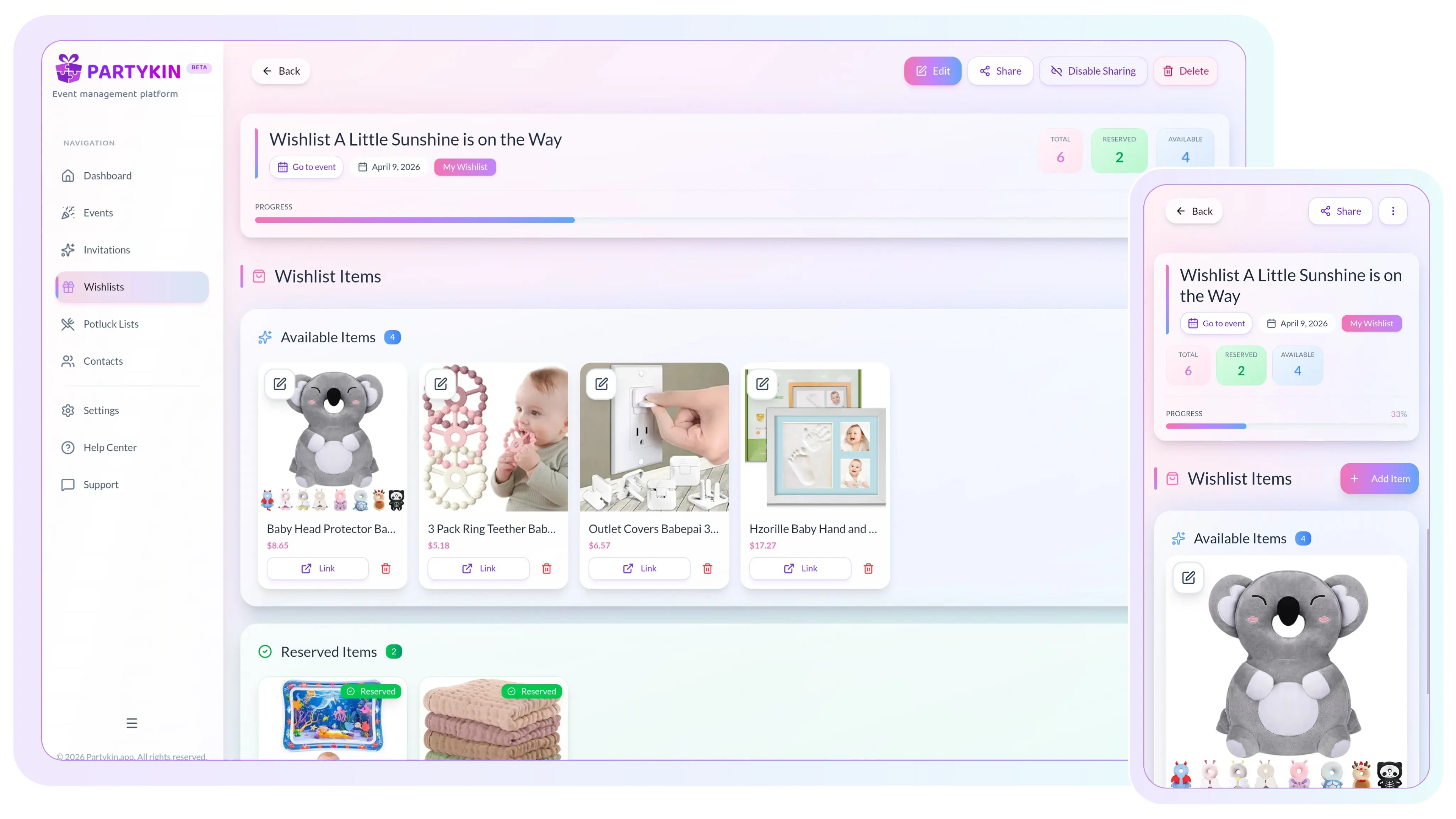
Set up fast, share anywhere, and track gift reservations in real time.
Quick List Builder
Create a personalized registry and share it using convenient methods.
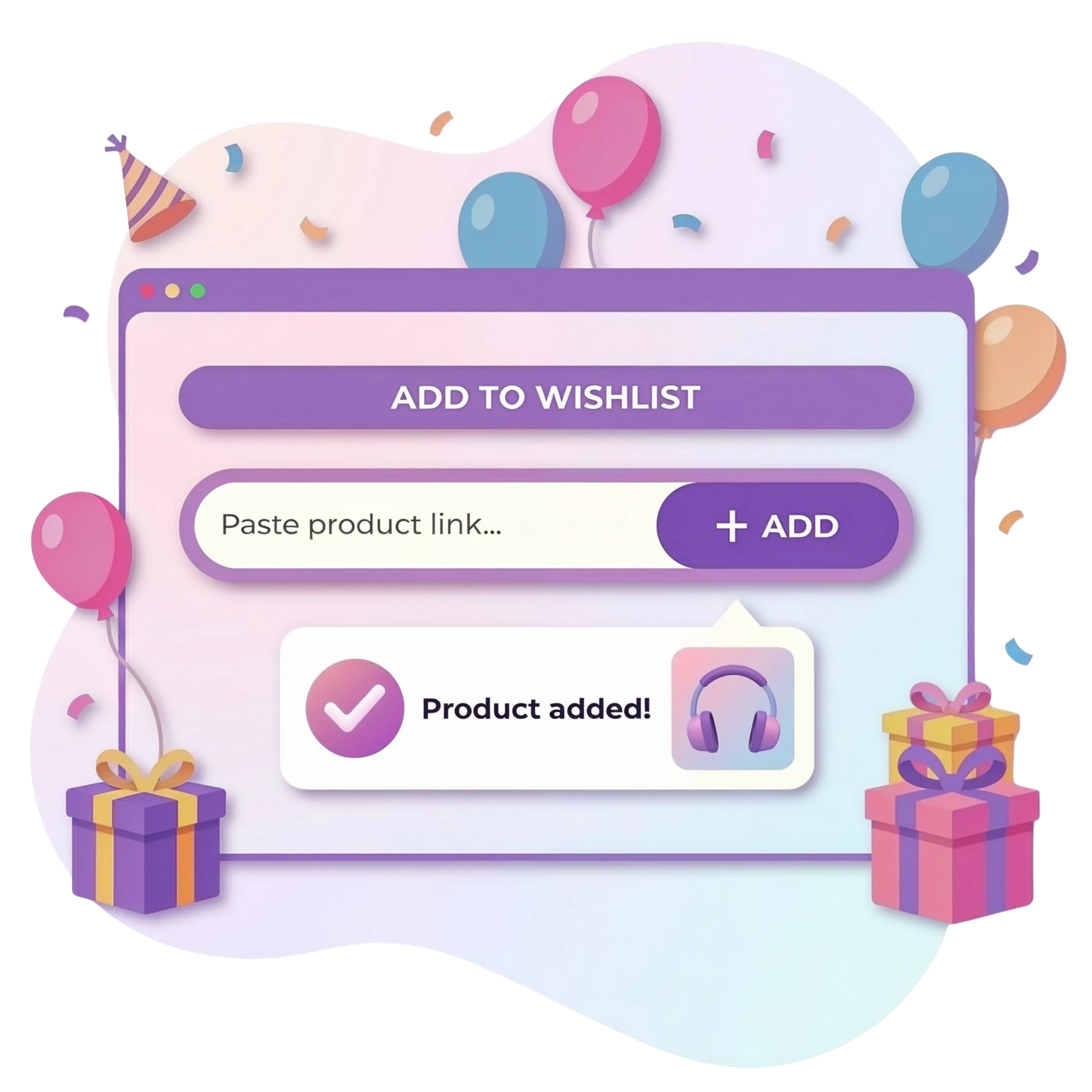
Insert a URL from any online store to fill the list quickly, or enter names, descriptions, and photos manually for custom requests or unique items.
Adjust the wishlist page appearance using ready-made templates to match the celebration theme and mood.
Create and share a list independently of an event as a personal registry of ideas for friends and family.
Sharing & Access Options
Provide access to the gift registry with a single tap.
Create a QR code for quick wishlist access. This is a practical solution for printed invitations or displaying on a screen during an event.
Copy a unique URL to distribute via messengers and social media, or integrate it into an interactive invitation on the platform.
Real-Time Gift Tracking
The platform automatically tracks the status of each item to keep everything organized and transparent.
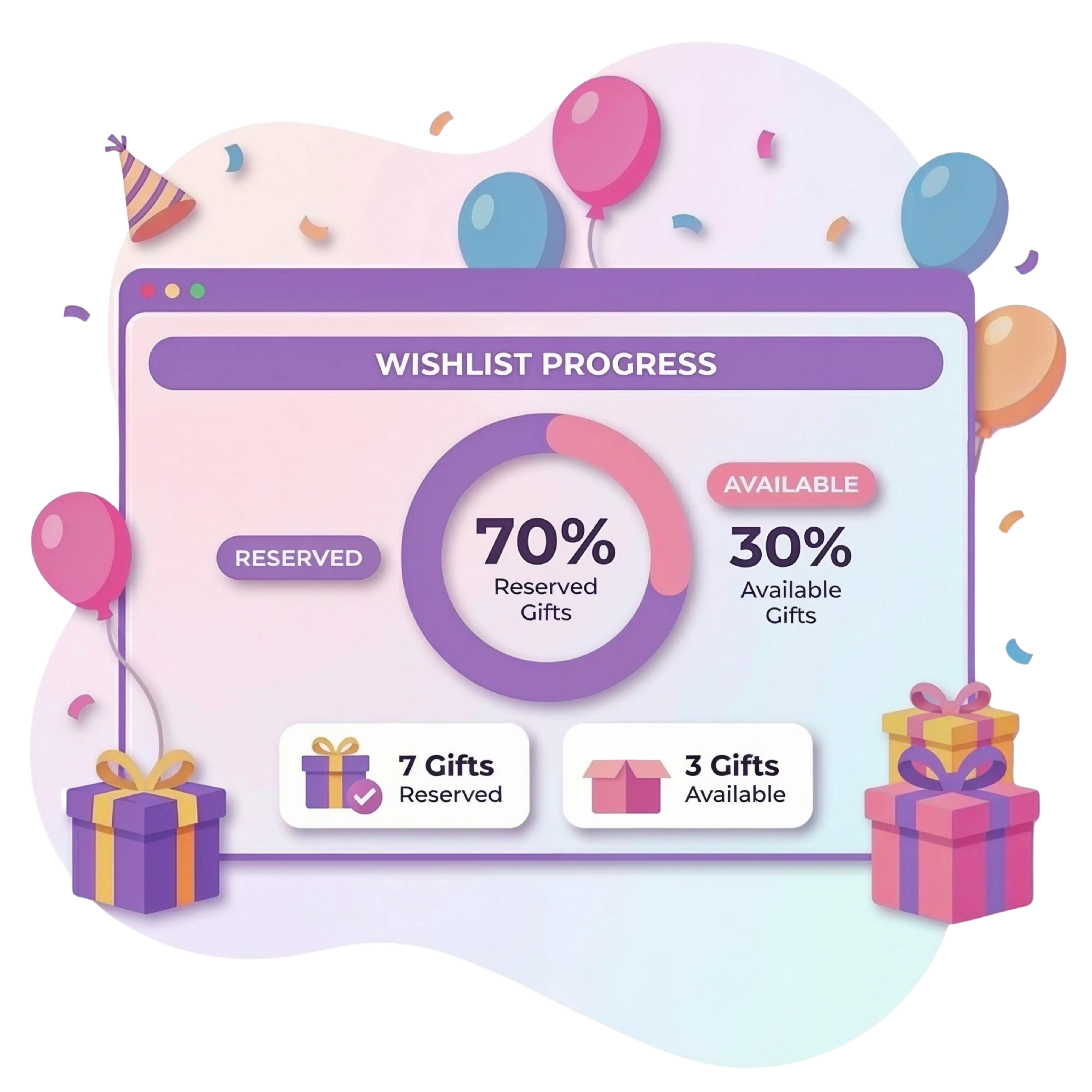
A visual indicator displays the percentage of reserved gifts in real time. This helps the host and guests see how many items remain available.
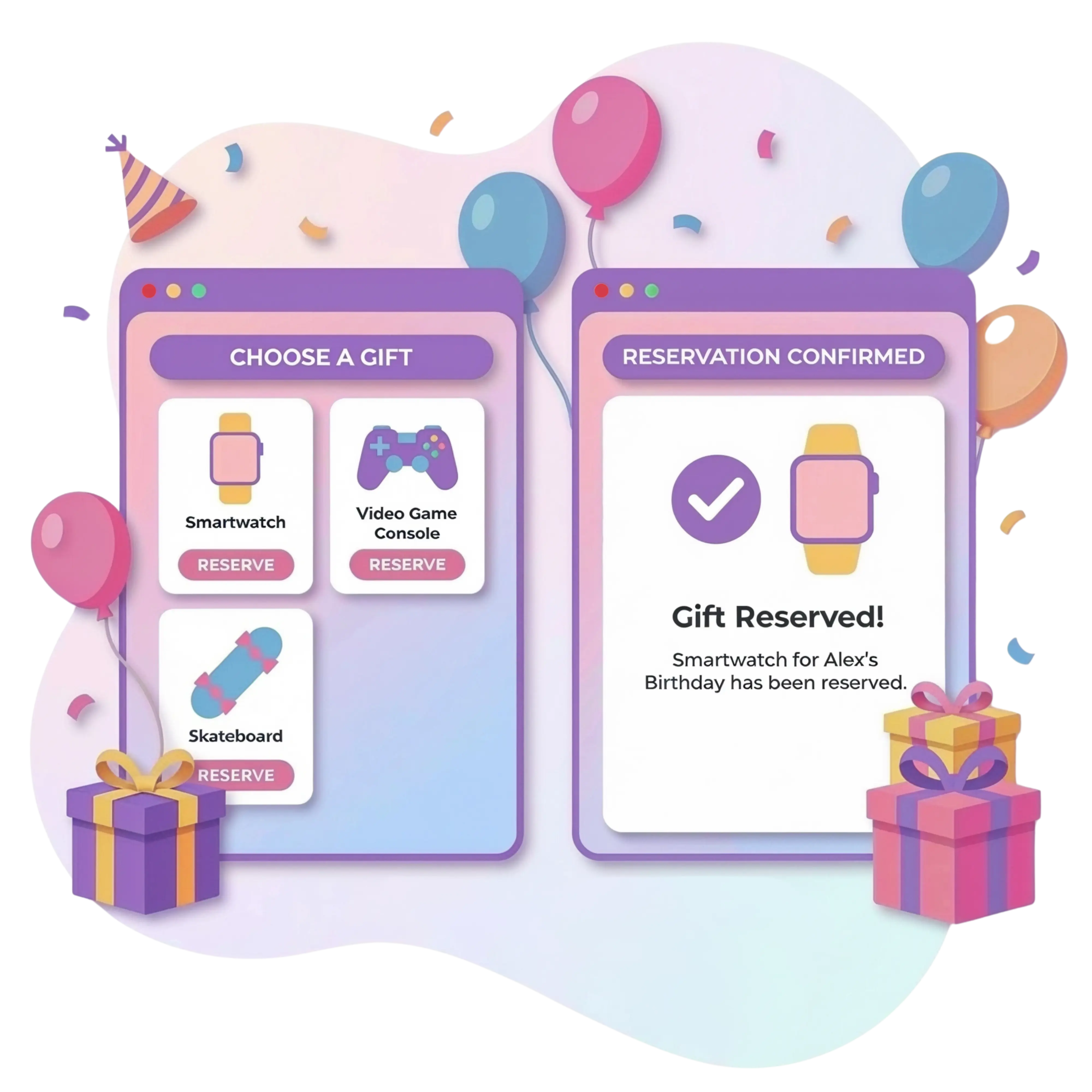
Guests mark a chosen item on the list, allowing others to instantly see the current availability status.
Automatic synchronization ensures no item is purchased twice, preventing multiple identical gifts.
Build your wishlist once, manage every gift in one link.
Organize items and reservations in minutes, then share the full list with your guests.
Browser Integration
Add products to the registry while browsing online stores. The Partykin extension makes it easy to save links, images, and prices with one click, without leaving the retailer's website.
Capture gift ideas from any store page and instantly sync them to your wishlist without switching tabs.
Install ExtensionPersonalized Planning Options

Manage timelines, tasks, and logistics through a functional dashboard.

Create stylish event pages with RSVPs, maps, and countdown timers.

Coordinate dishes among guests and manage a shared menu.

Track attendance, plus-ones, and guest statuses in real time.
Gift Registry Support
The process begins in the host dashboard. Simply fill in item cards manually (name, photo, description) or add store links. After saving, the system generates a link and a QR code for easy sharing.
No. The wishlist functions as an independent module. It is possible to create a list for personal use and share it at any moment, even if the celebration itself is not planned on the platform.
This is a visual indicator at the top of the list showing the percentage of items already marked as "reserved." It helps guests quickly see if there are still available options to choose from.
Yes. Changeable page templates are available for styling. This allows adapting the visual look of the wishlist to the event format, from official ceremonies to casual gatherings.
Partykin uses an interactive reservation system. When a guest chooses a gift, they mark it on the list. Other visitors then see the "reserved" status, completely eliminating the possibility of purchasing identical items.
Yes. The host can change the name, link, or photo in the dashboard at any time. All updates synchronize instantly and appear to guests via the exact same link or QR code.
No, guests do not need to create an account. To reserve a gift, they will only be asked to provide their email address. This keeps the process fast and significantly enhances the overall guest experience.
The system offers two main methods: copying a direct link for messengers or generating a QR code. Additionally, the wishlist automatically becomes part of the interactive invitation if linked to a specific event.
Design an aesthetic event page, coordinate your guests, and focus on the moments that matter.