
Utility
Partykin Food Calculator
Estimate food and drink quantities in seconds and keep your menu balanced for any guest count.
Calculate menuEvent Card
Partykin structures every stage of your birthday, family dinner, or corporate event preparation. Intuitive interface keeps every detail accessible and provides a clear overview of your planning progress.
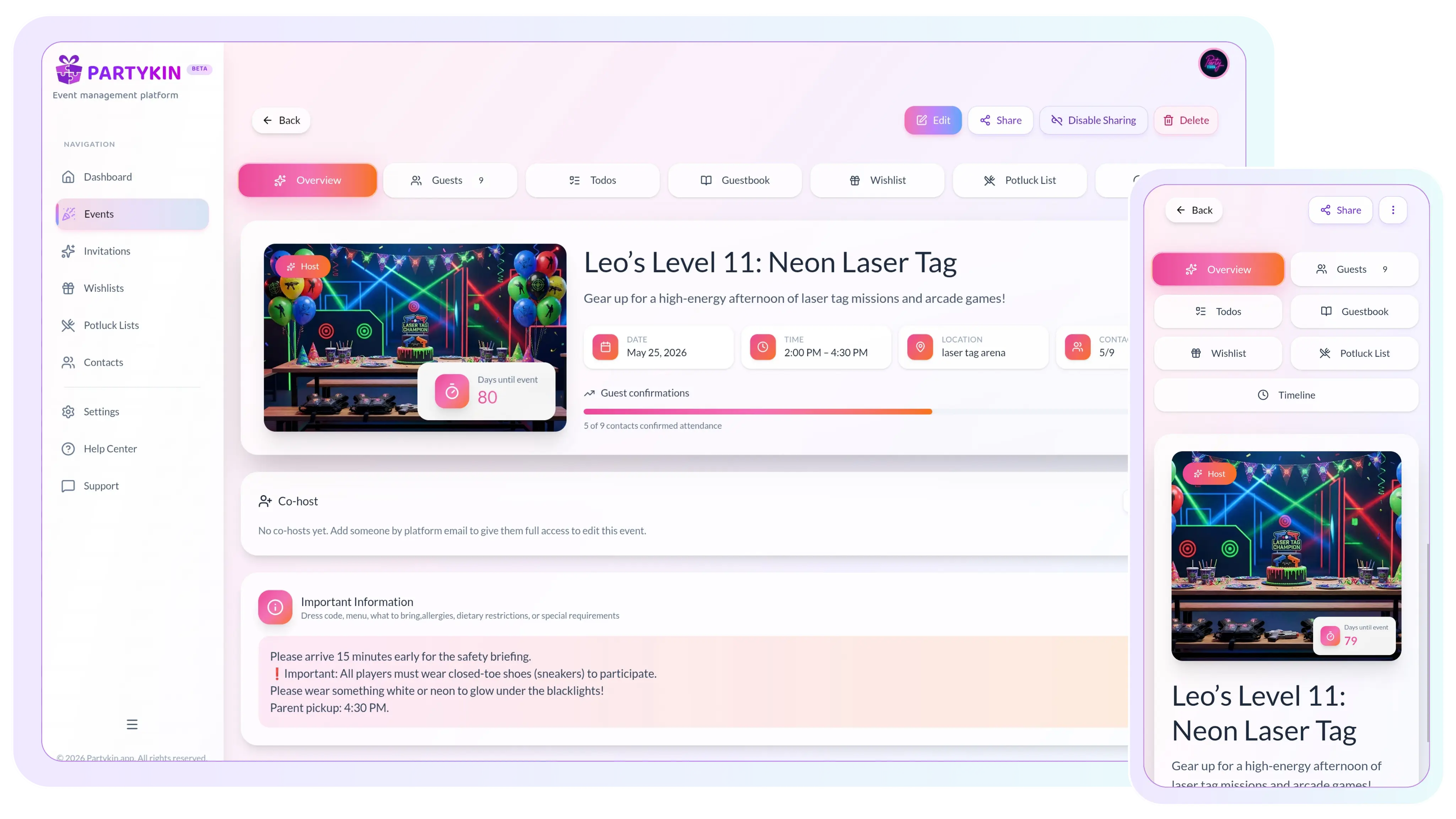
Keep your timeline, guests, logistics, and memories organized in one structured event card.
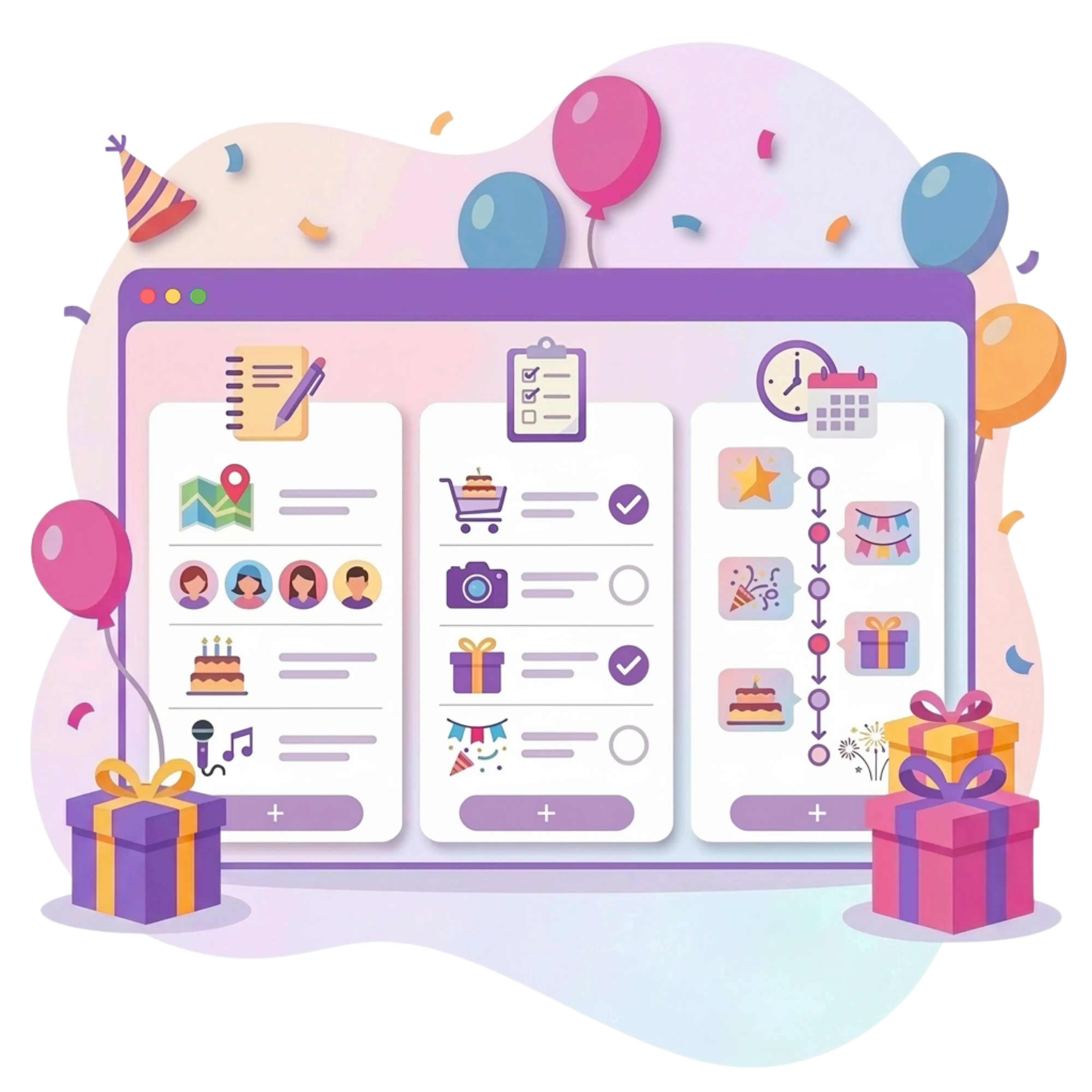
Timeline and location tools
Create a detailed plan to coordinate your celebration effectively. This section works as your personal event itinerary and schedule manager.
Build an hourly schedule and adjust visibility settings for organizers and guests.
Pin the exact address so guests can generate directions on their phones with one click.
Track every task and monitor details to ensure a flawless result.
Keep reminders in a confidential field visible only within your host dashboard.
RSVP and co-host tools
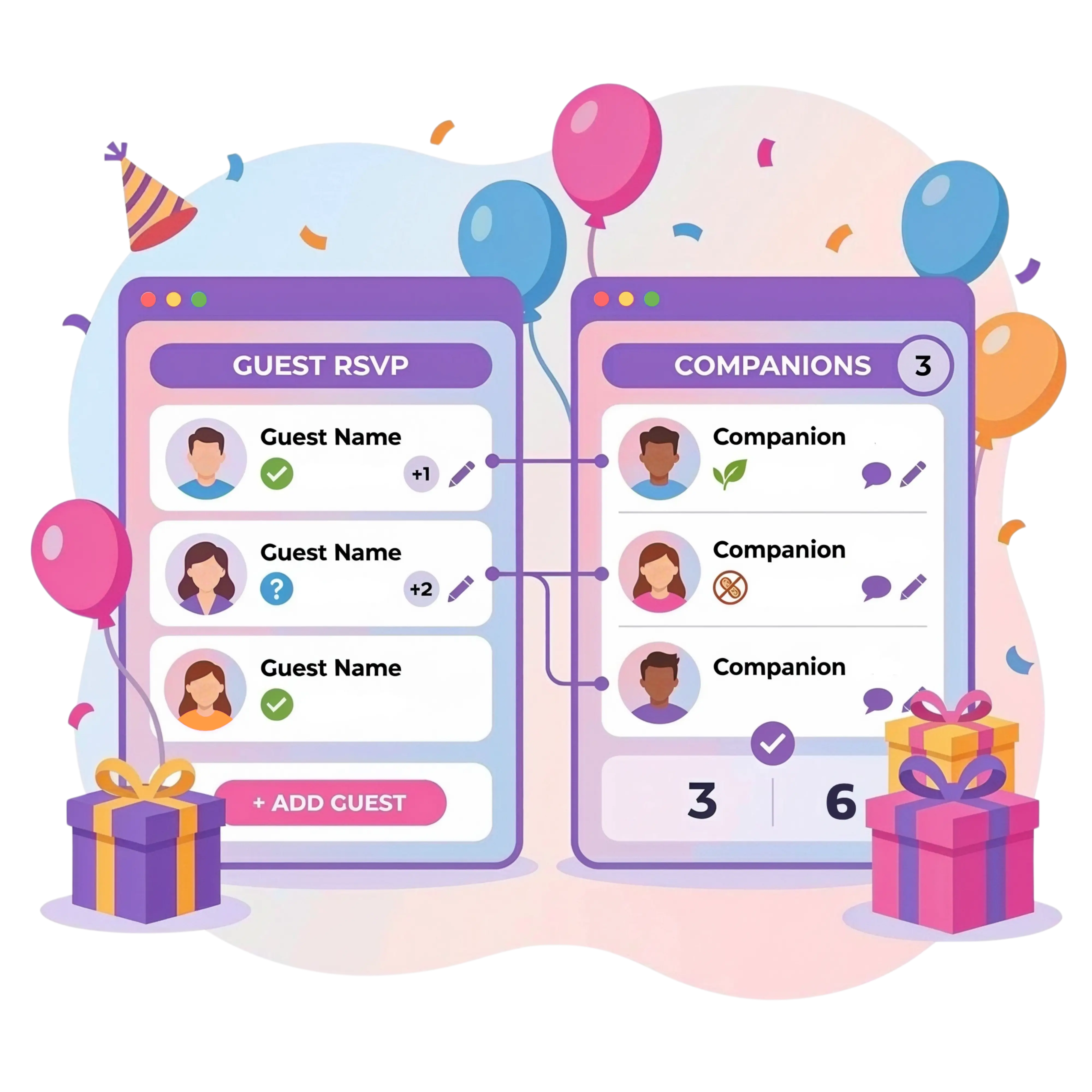
Gather information about attendance and preferences automatically. The system builds an up-to-date guest list without manual entry.
Monitor confirmations and declines instantly on your digital RSVP dashboard.
View headcount, plus-ones, dietary restrictions, and guest comments.
Add assistants to share workload and manage the checklist together.
Switch between your gift wishlist and potluck list linked to the event.
Guest Book and follow-up
Partykin helps you share gratitude and collect the best moments in one place.
Add a folder from Google Photos or iCloud to the card for guest viewing and uploads.
Receive feedback and warm messages from participants after the celebration.
Send appreciation messages with a direct photo link in seconds.
Reuse automatically saved contacts for future gatherings.
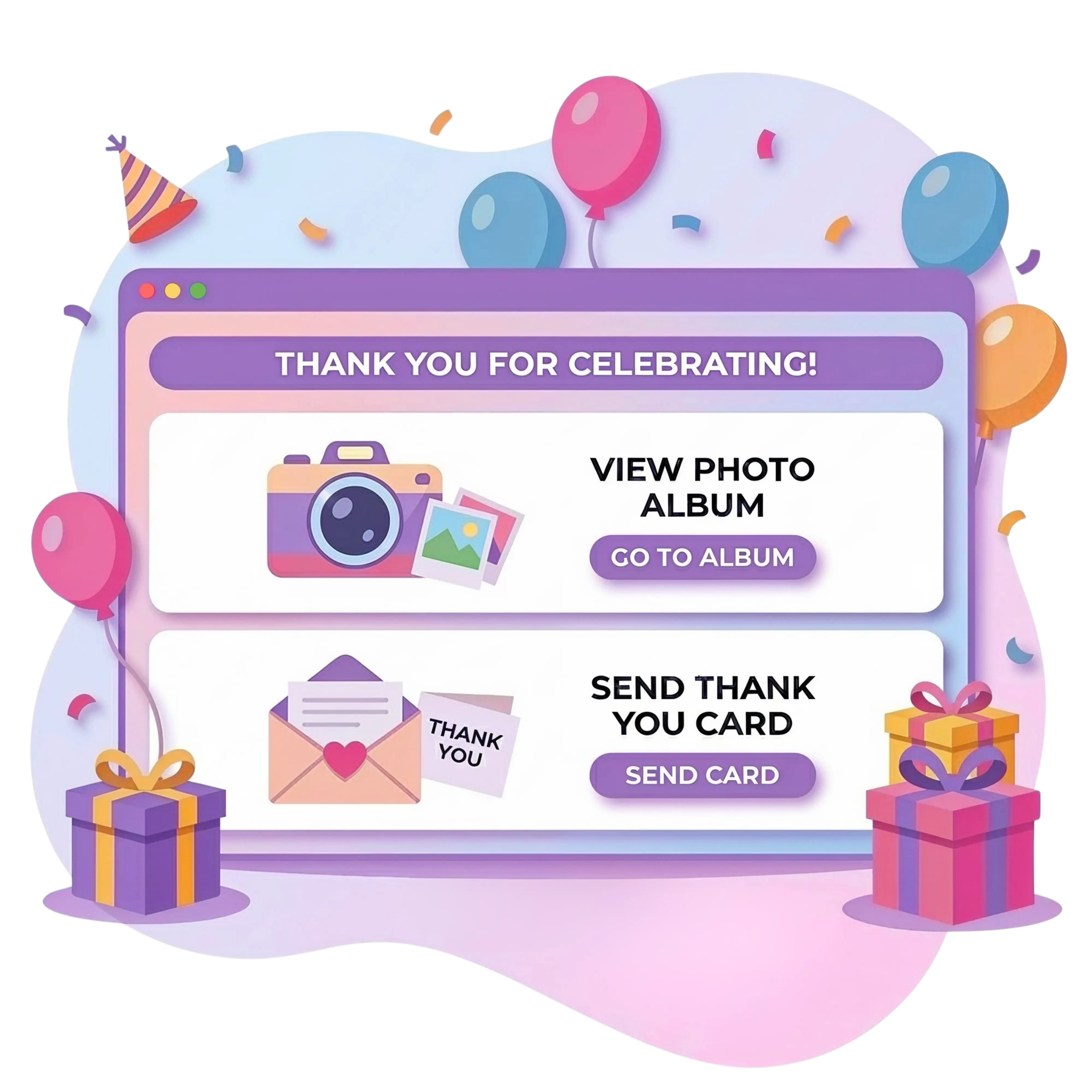
All celebration details stay organized within a structured interface.
Set up your timeline, add a wishlist, and send the link to your guests.
More tools for the celebration

Send personalized pages featuring a countdown, schedule, and venue map.

Create lists of desired items and enable gift reservation to avoid duplicates.

Distribute dishes among participants and coordinate a shared menu.

Collect attendance confirmations and gather data on guest food allergies.
Food Quantity Calculator
Skip the guesswork when planning a menu. The calculator figures out the right amount of food and drinks for any guest count automatically, ensuring everyone gets plenty to eat while keeping waste to a minimum.
Estimate food and drink quantities in seconds and keep your menu balanced for any guest count.
Calculate menuEvent Card Support
No. Co-hosts use all Partykin tools for free. Adding assistants does not require any extra fees or subscriptions.
A co-host receives full access to manage the event. This includes editing wishlists, potluck menus, invitation details, and event info. The only restriction is that an assistant cannot delete the event.
Enter any updates directly into your Event Card. The system automatically updates your interactive digital invite, ensuring guests see the latest information immediately.
The reminder function allows you to notify participants as the event approaches. Use the dedicated button in your dashboard to quickly update guests on the plans.
No. Your personal notes and the host checklist remain confidential. Participants only see information directly related to the event program and their participation.
Yes, but you have full control. Privacy settings allow you to hide specific technical steps. You decide which timeline items stay public and which remain private.
The Event Card integrates these modules directly. This allows you to manage all aspects of preparation through a single interface.
Add a link to your cloud storage (Google Photos, iCloud, etc.) in the designated field. All participants get direct access to view and download images.
Yes. When participants leave reviews and feedback in the Guest Book, they can attach their favorite images taken during the event.
Design an aesthetic event page, coordinate your guests, and focus on the moments that matter.