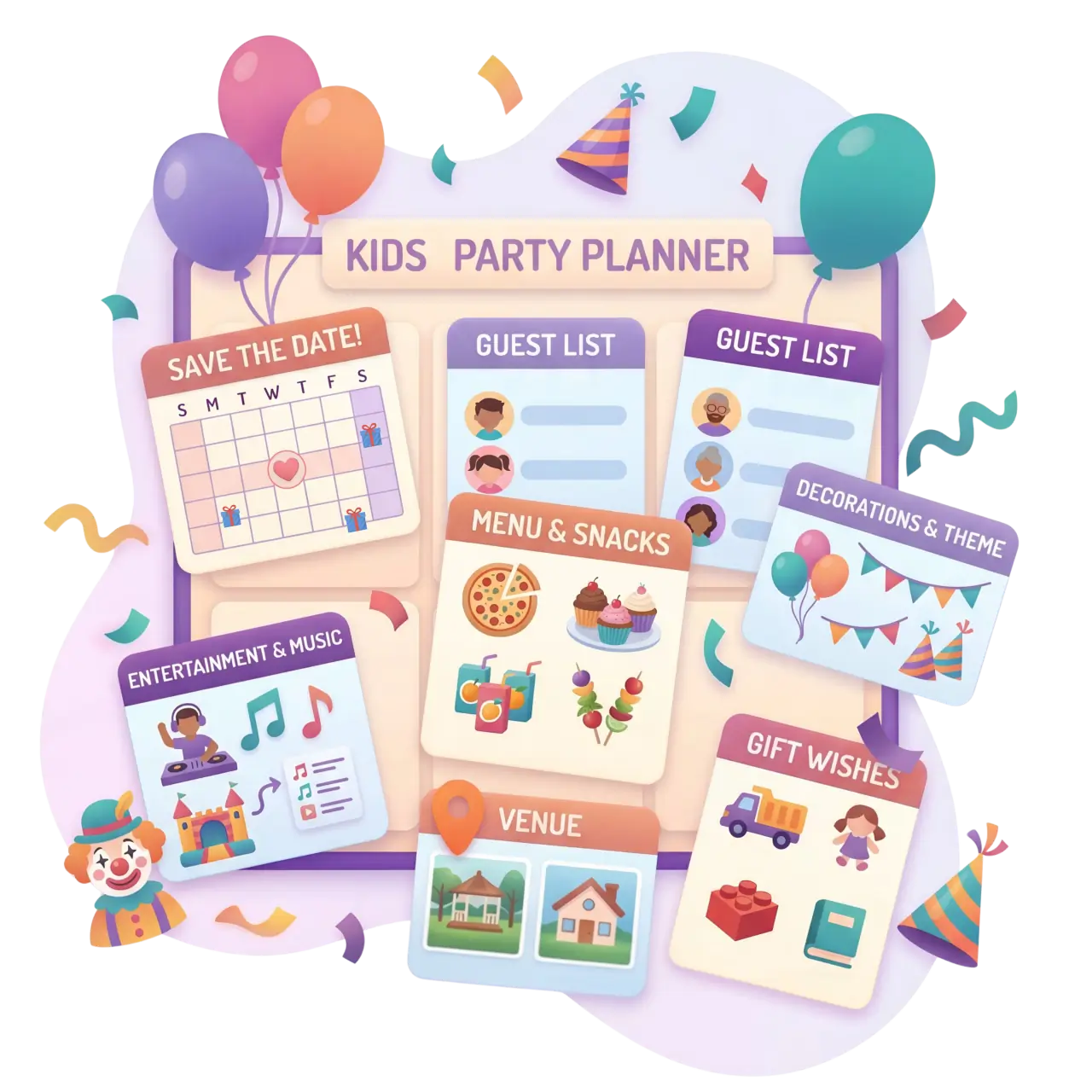
Kids Party Planning

A Stylish Kids Birthday Planner for Memorable Celebrations

Create Joyful Moments with Smart Organization

Organizing a celebration for your child is an opportunity to share joy with your loved ones. For busy parents, it's essential that the planning process is convenient and the result looks beautiful. Partykin is an online children's party organizer that helps you keep every detail under control. You can easily track kids party RSVPs online, share information, and save time, allowing you to happily host a stylish toddler celebration and be proud of the wonderful result.

Start Planning Your Kids Party
Stylish kids birthday planner with digital invitations and RSVP

The Platform Advantage

Why Parents Choose Our Kids Birthday Planner

As a convenient birthday management platform, Partykin provides thoughtfully designed tools that make party prep aesthetic and communication with other parents completely seamless.

Effortless Guest and Sibling Management

Get accurate data on everyone attending. The platform allows you to effectively manage parents and siblings RSVP, giving you an exact headcount for the kids birthday. This makes it much easier to arrange seating, slice the cake, and prepare the right number of goodie bags.

Everything in One Web Invitation

Instead of lengthy messenger texts, create stylish digital kids party invitations. Just send a single link via WhatsApp or iMessage, where guests instantly see the location, time, dress code, and entertainment schedule. Plus, Google Calendar integration lets parents add the party to their schedule with one click.

Meaningful Gifts Without Duplicates

Create a shareable toy wishlist link so relatives and friends can choose exactly what your child is dreaming of. This helps avoid duplicate gifts at the kids party and ensures every present brings genuine joy and practical value.

Ways to Use Partykin

What Events Fit an Online Children's Party Organizer ?

Partykin flexibly adapts to various formats of kids' and family gatherings.

Kids' Birthdays

Celebrate your little one's big day by creating a vibrant event page. Share the entertainer's schedule, gather gift preferences, and monitor the exact number of children and adults.

First Birthdays

Gather your closest friends and family for the baby's first major milestone. A convenient wishlist helps guests choose practical items the young family will actually use during their first year.

Baby Showers

Host a stylish, family-friendly gathering for the mom-to-be. Add a link to the gift registry so friends can easily purchase essential items for the newborn.

Gender Reveals

Coordinate the big surprise with ease. Manage the guest list, track RSVPs, and keep all your friends and family updated on the location and timing in one beautiful invitation.

Themed Quests & Playdates

Planning a detective story quest, pirate, or superhero party? Use the platform as a playdate organizer to add the dress code and activity schedule right to the event card so all participants know what to expect.

Moms' Potluck Meetups

Organize a shared park picnic or brunch. Our allergy-friendly party food tracker helps distribute snacks so there's enough food for everyone while keeping it safe for every toddler.

Pajama & Sleepover Parties

For older kids, use the drop-off party RSVP manager to outline sleepover rules, specify what to bring, and gather emergency contacts for everyone's peace of mind.

Ready to bring everyone together?

Set up your event page in minutes, share a single link with your guests, and watch the RSVPs roll in.

Create Your Kids Event

Frequently Asked Questions

How do I communicate if it's a drop-off party or if parents should stay?

You can clearly state the party format directly in the event details on your page (specify drop-off details). This ensures all parents understand the rules before they RSVP, saving you from explaining it to everyone individually.

Do my guests need to download an app or pay to RSVP?

No, using Partykin is completely free for your guests, and there are no apps to download or accounts to create. They simply open the link you sent in their smartphone's browser and instantly confirm their attendance.

Is it safe to share a child food allergy form for parties online?

Data security is our priority. Your event page is private and hidden from search engines. Only parents who receive your direct link can view the details and input specific dietary needs. These comments are visible exclusively to you as the host.

Can I create a potluck sign-up sheet separately from an event?

Yes, you can create a standalone potluck list and just share that link. However, integrating the potluck within a full event card is much more convenient: other parents instantly see both the party schedule and the menu, keeping all information in one place.

What is the best way to share photos with other parents after the party?

After the celebration wraps up, you can update your event page, turning it into a thank-you page. Add a link to a shared album on Google Drive, Dropbox, or iCloud. This way, other parents can easily download high-quality photos of their kids without losing them to messenger compression.

Turn your plans into reality in just a few clicks.

Set up your page, share a single link, and get ready to enjoy the gathering alongside your guests.

Create Your Event for Free