
Digital Guest Book
Save wishes and photos in a digital guest book
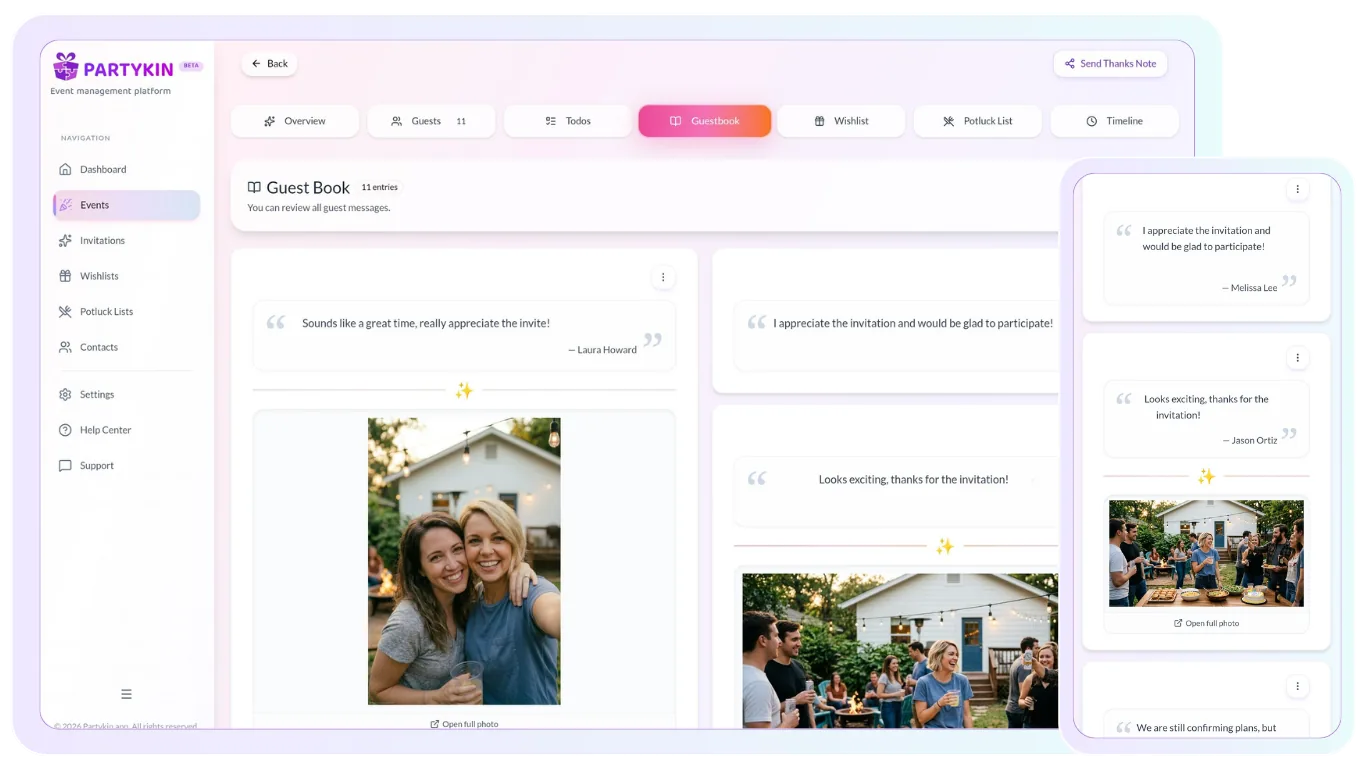
Partykin makes it easy to collect warm words and photos from guests in a convenient online space. The digital guest book preserves the event atmosphere and lets each guest leave a personal greeting that becomes part of a shared story.
How We Make Guest Book Memories Simple
Collect in seconds, keep every memory safe, and share the full story after the event.
Instant Memory Capture
Capture memories in real time
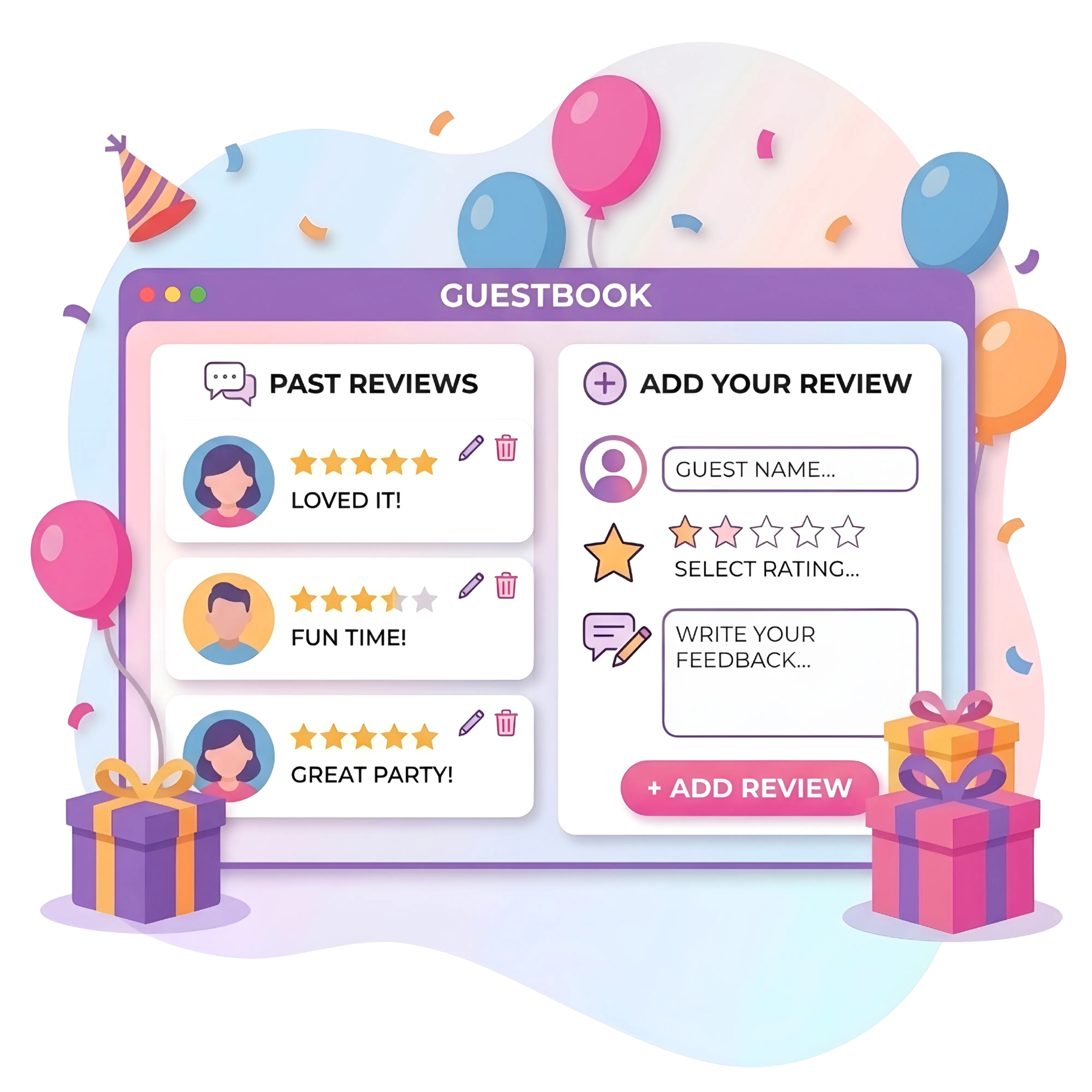
Guests can leave wishes and photos in seconds from any phone browser.
- Write messages from a phone
Guests leave greetings during the party using a browser link, with no app installation needed.
- Attach photos
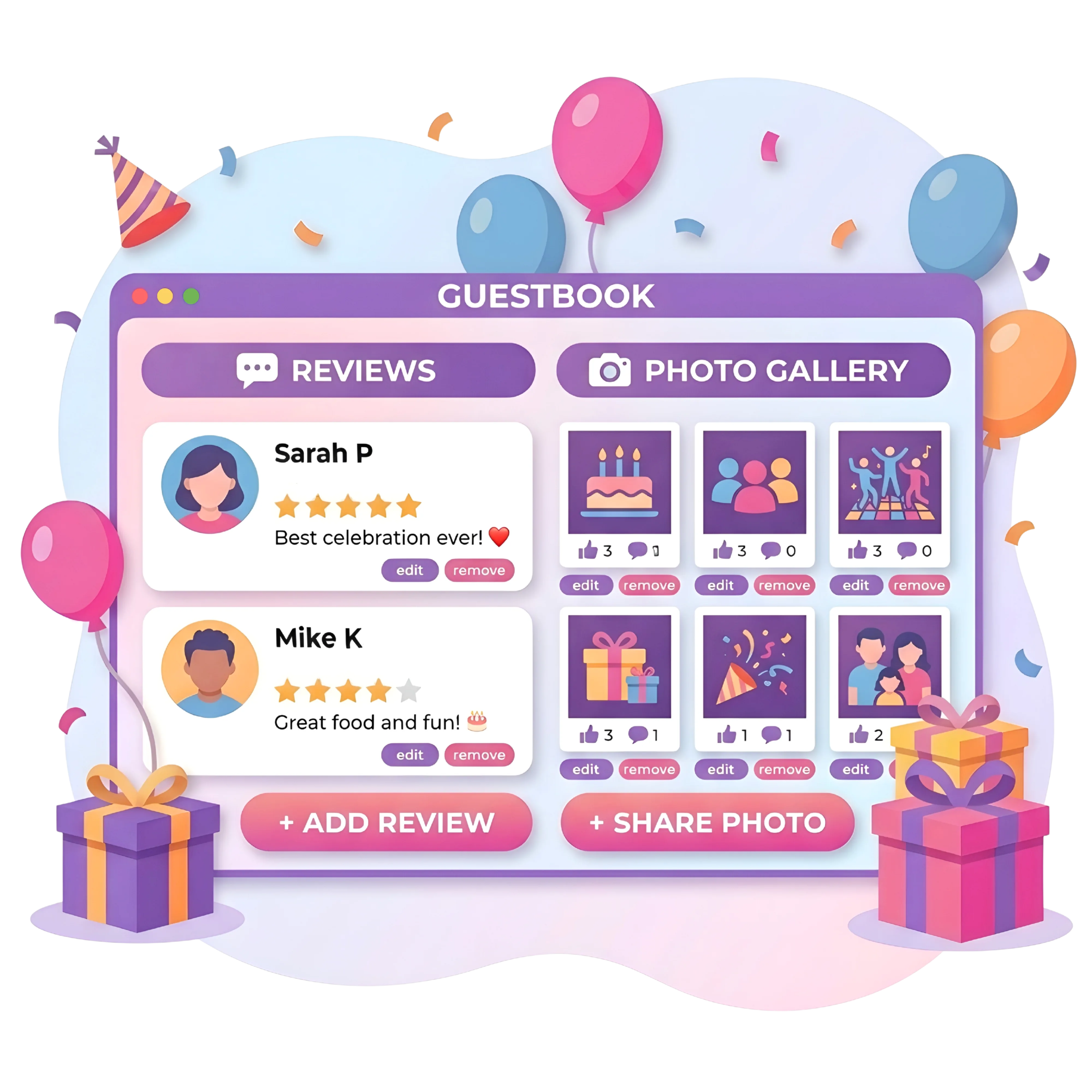
Guests can pair text with selfies or highlight moments, turning the page into a live event feed.
- Provide instant access
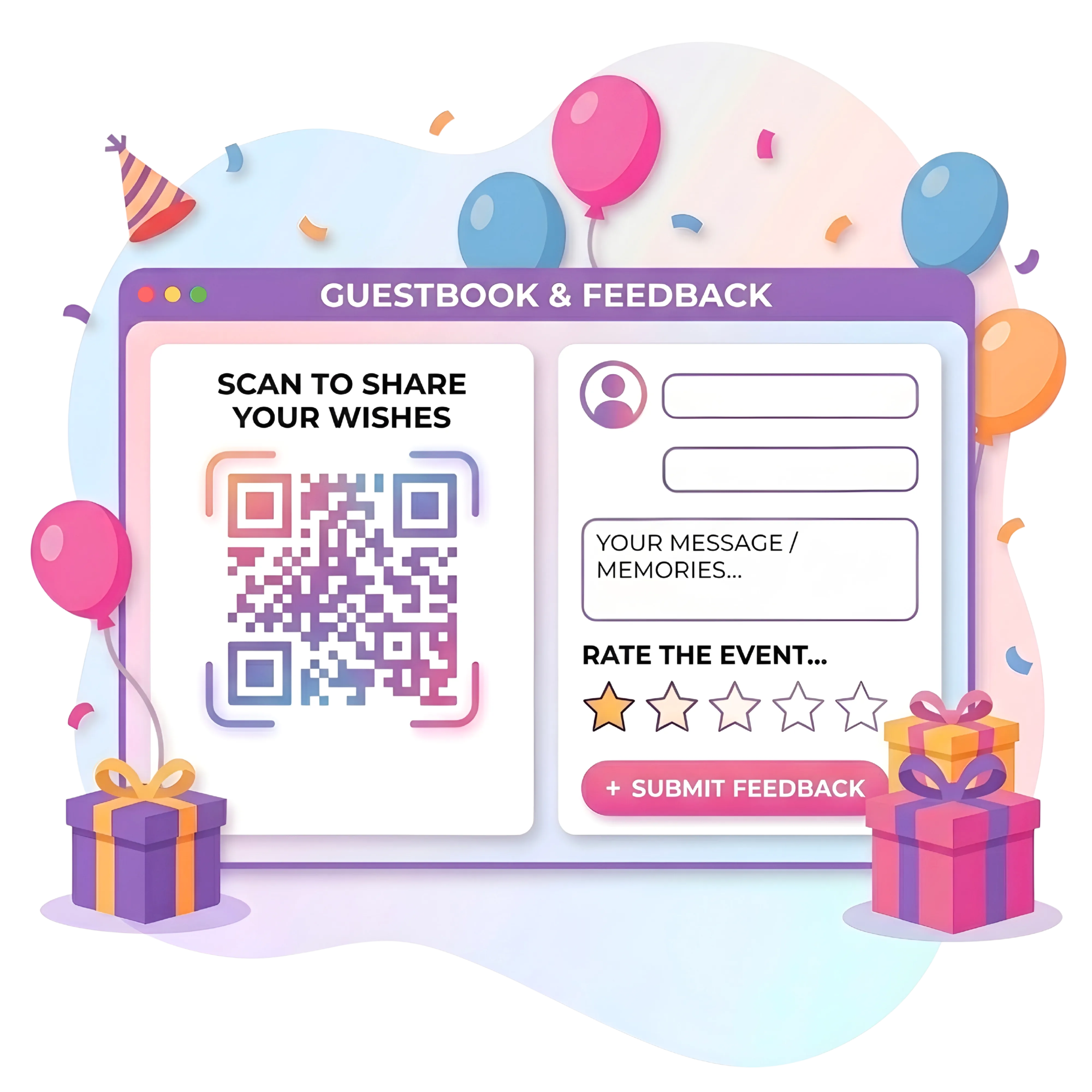
Open the form in one click from a messenger link or by scanning a QR code at the venue.
Content Management & Storage
Manage and store memories
The platform ensures secure data storage and full control over published content.
- Store text forever
All written messages stay accessible in the host dashboard without time limits.
- Export digital memories
Download collected materials to your own device and keep a local archive after the event.
- Moderate entries
Control content in the host dashboard with options to hide or delete unwanted comments.
Easy Sharing Options
Share moments with loved ones
Easily distribute the collected memories after the celebration ends.
- Send links
Forward the guest book page to relatives and friends who could not attend the event.
- Unite guests
Publish the link in the event chat so everyone can view wishes and photos together.
- Configure privacy
Keep memories private by restricting access to a selected circle of people.
Build your guest book once, collect every memory in one link.
Organize wishes and photos in minutes, then share the full story with your guests.
Personalized Planning Options
Explore other Partykin features

Event Card
Manage timelines, task lists, and overall logistics through a functional dashboard.

Online Wishlist
Compile desired gift registries and allow reservations to avoid duplicates.

Potluck List
Distribute dishes among guests and coordinate a shared menu.

RSVP Collection
Track guest numbers and record attendance confirmations in real time.
Guest Book Assistance
Frequently Asked Questions
How long are messages and photos stored?
Text greetings remain on the platform forever. Photos added by guests are stored in the system for one month on the basic plan (Free). The host has enough time to download these files to a personal device for permanent storage.
Do guests need to download an app?
No. The platform is fully adapted for mobile devices. Guests open the link in a phone browser and leave text or a photo. The process takes less than a minute.
Can unwanted comments be deleted?
Yes. The host has full control over the content. A feature to view all entries is available in the dashboard, where greetings and photos can be hidden or removed.
How long can guests leave messages?
The link remains active even after the event concludes. The host decides when to stop collecting wishes. Usually, it is recommended to keep the form open for 2 to 3 days after the holiday.
In what format is the book available?
The guest book works as a responsive web page. It opens smoothly on a smartphone, tablet, or computer, creating the effect of an interactive memory feed.
How can guests be encouraged to leave messages during the party?
Place a QR code with a link to the guest book in visible places at the venue, such as tables, near the photo booth, or at the entrance. This prompts guests to write warm words and upload photos during the celebration.
Can a guest book be created separately from an event?
No. The guest book is an integrated part of an event to keep the full celebration story in one place. Instead of managing multiple links, everything lives in a single space, from invitation and RSVP to wishes and photos after the event.