Static Digital Card
Resending files when details change
Manual RSVP tracking in messages
Separate links for wishlists and menus
No schedule or feedback options
Manual address entry for navigation
Digital Invitation Maker
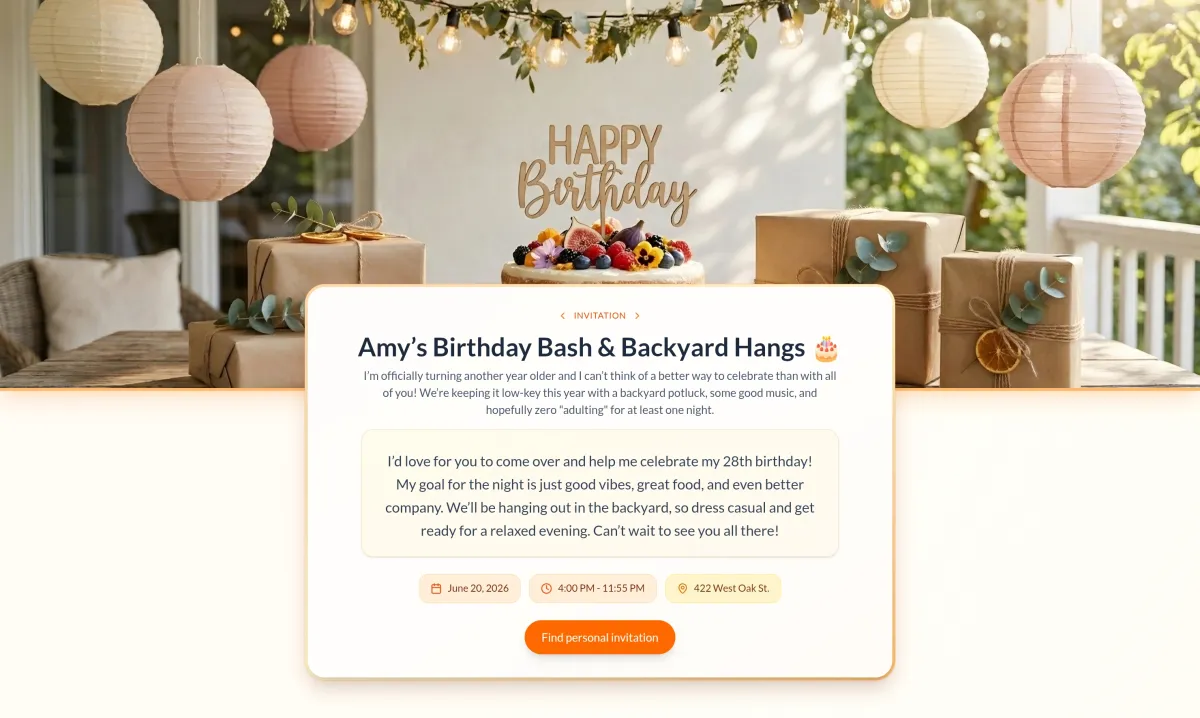
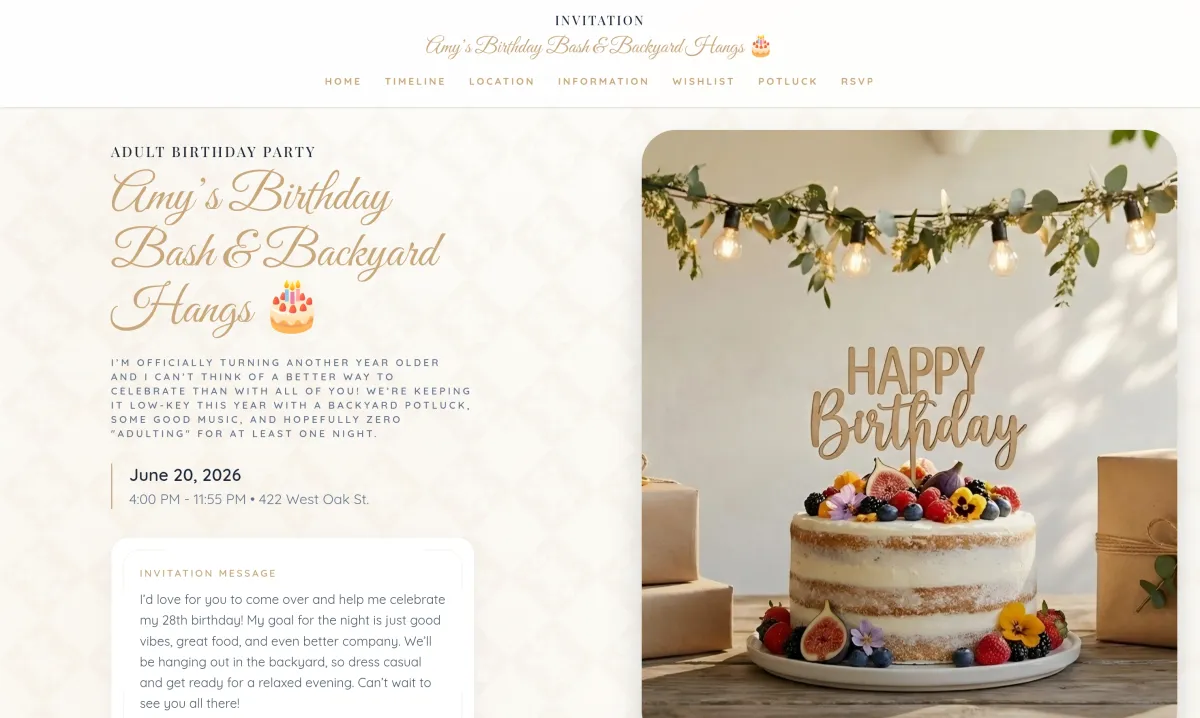
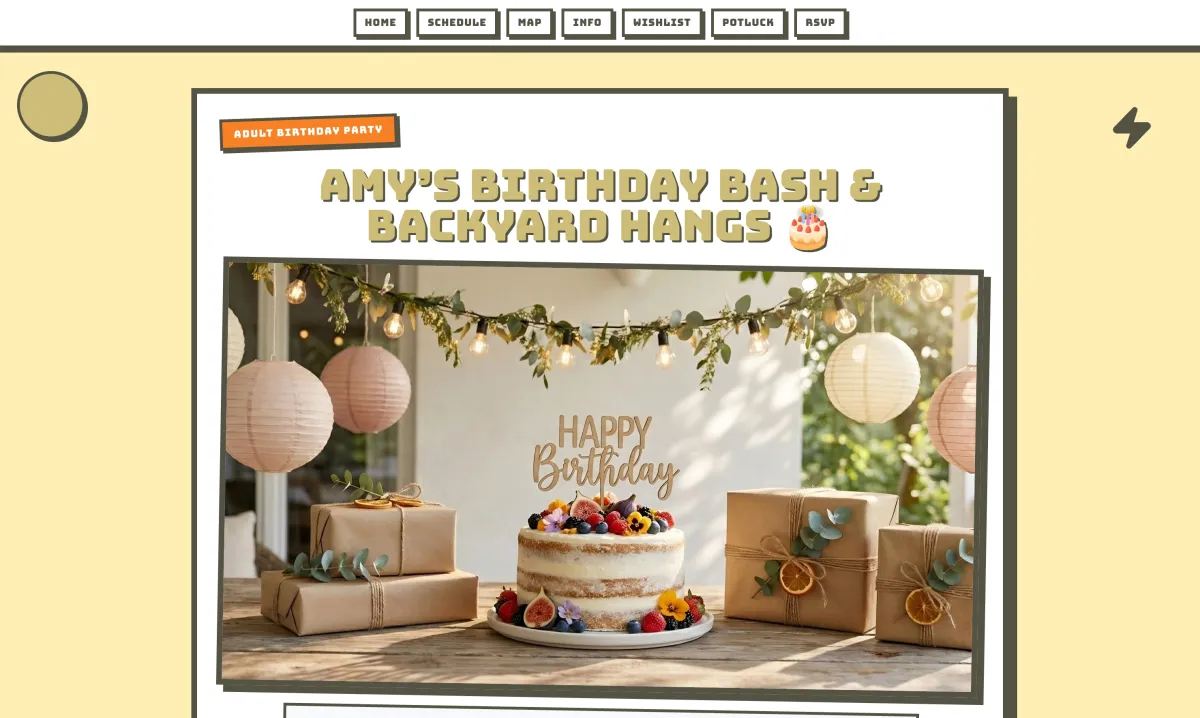
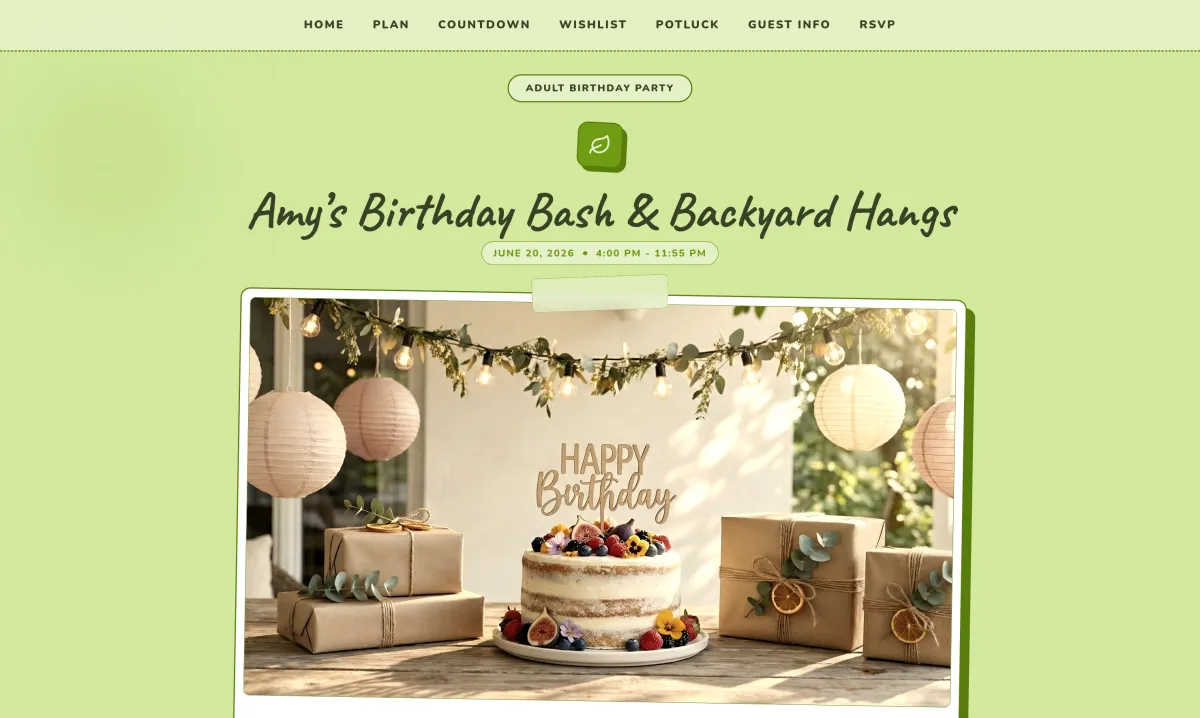
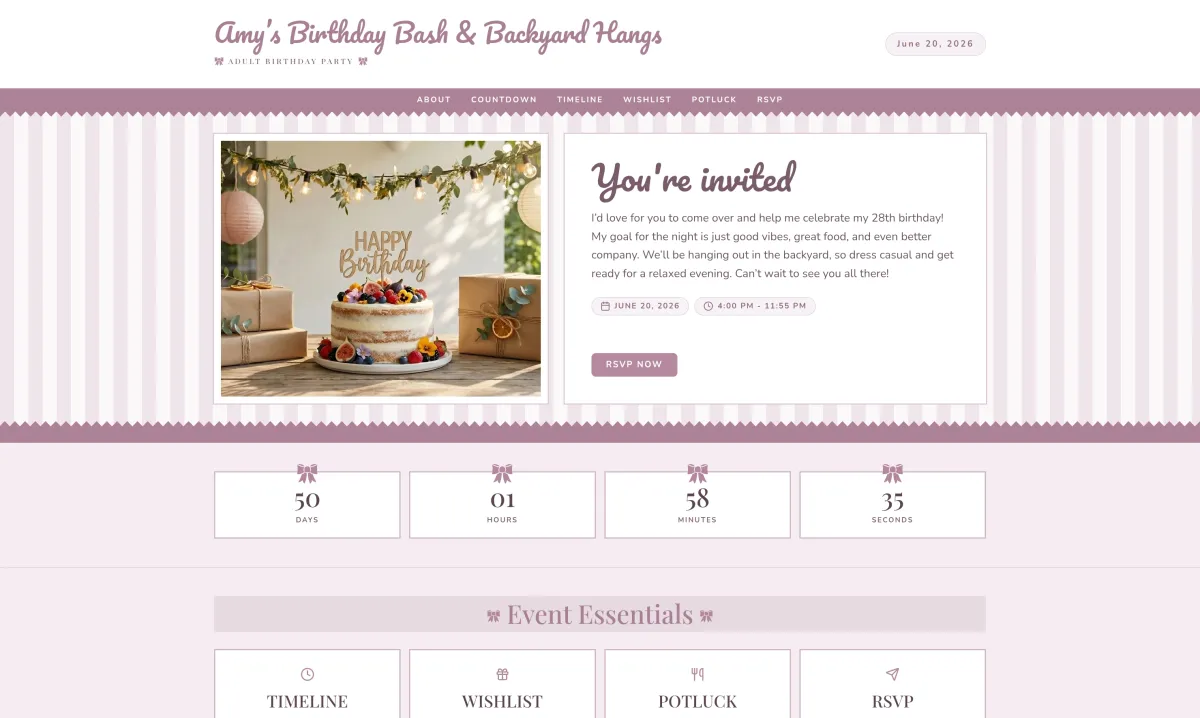
Partykin generates personalized landing pages for birthdays, kids' parties, baby showers, or corporate meetings. Aesthetic design and functionality help guests receive all necessary information instantly.
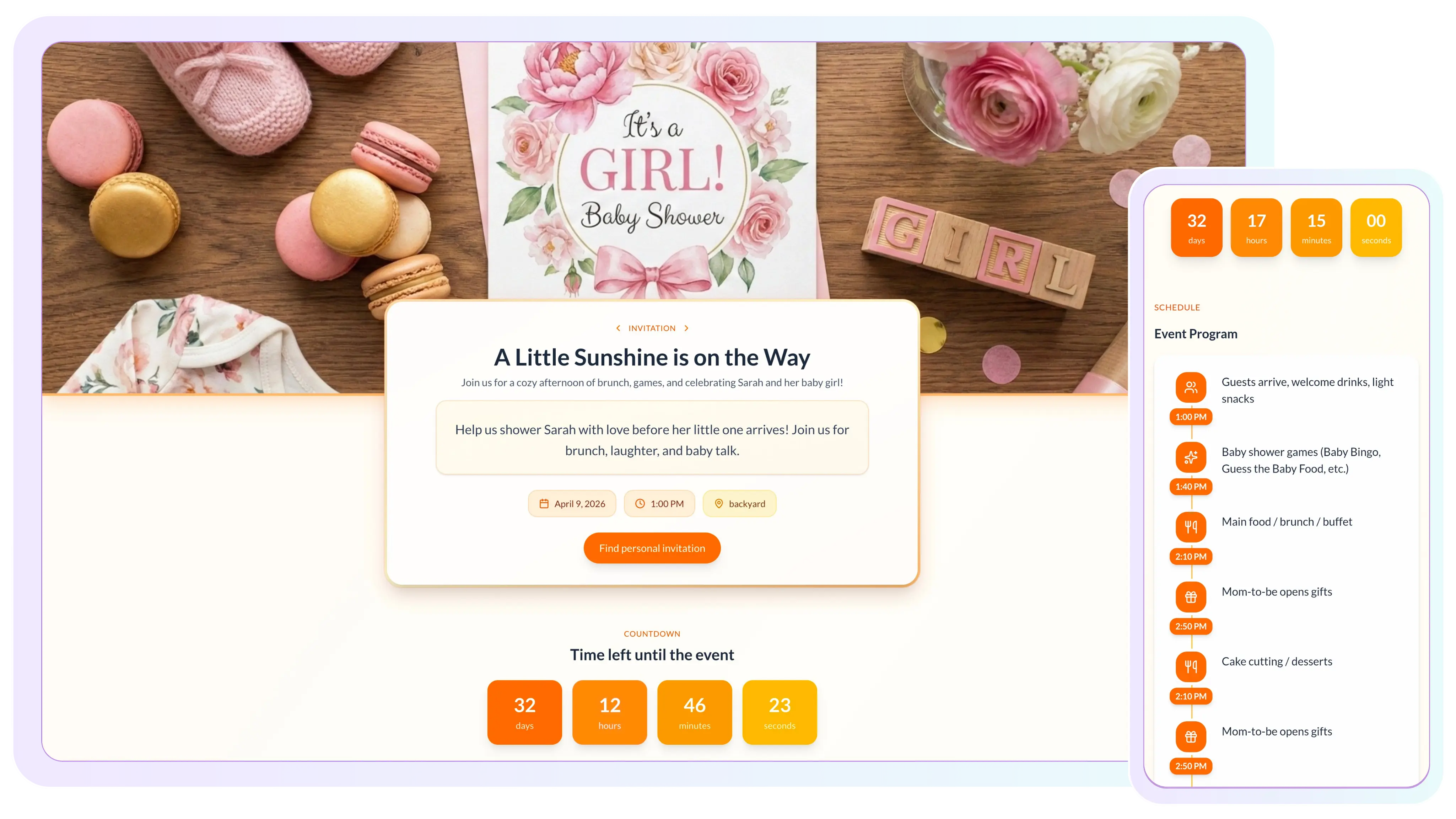
Design premium pages, activate guest tools, and share one live link.
Event Page Builder
Get a premium look for the invitation using a functional editor.
Minimalist layouts look clean and balanced without manual block adjustments.
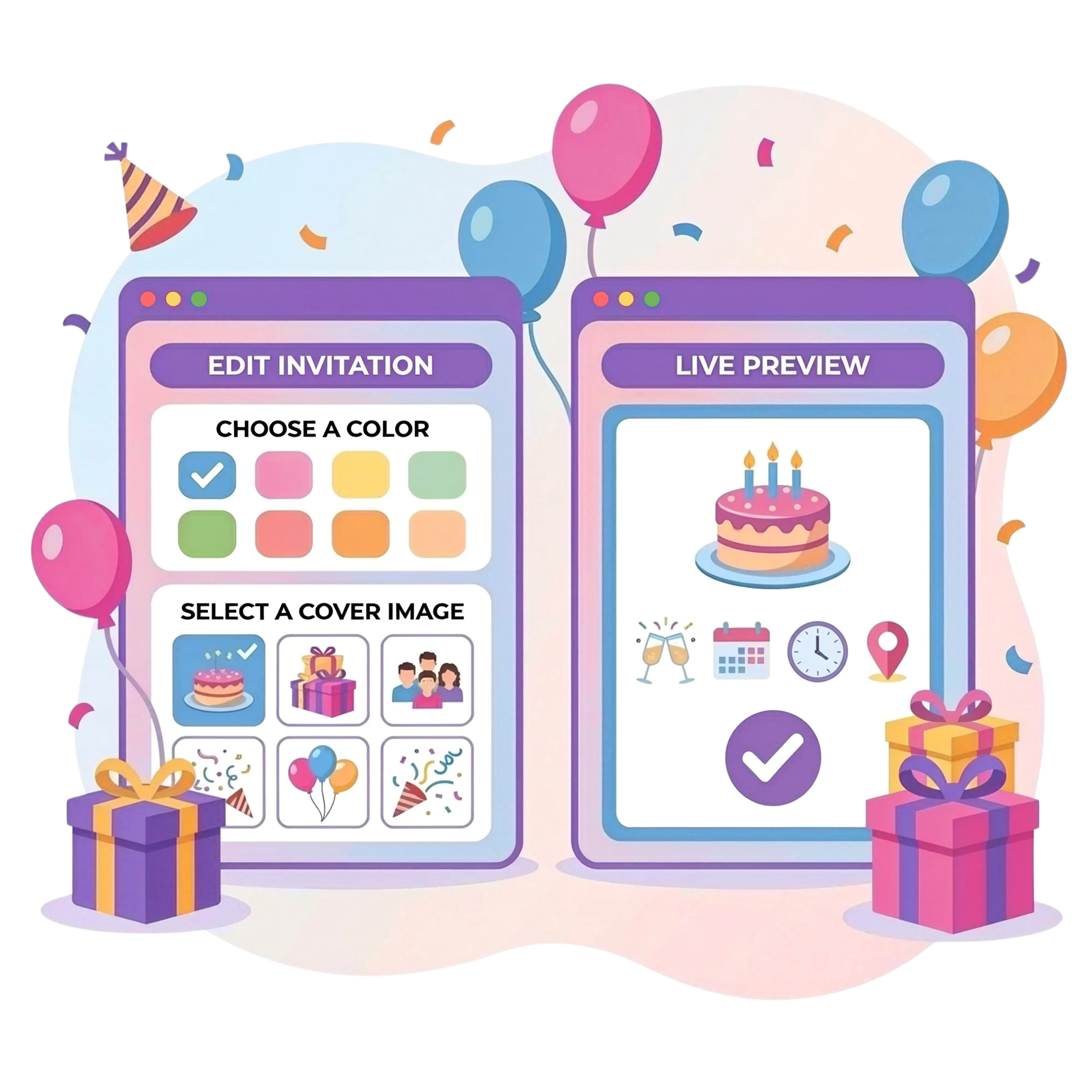
Upload photos and change accent colors to match the party theme.
Design adjusts automatically to smartphone screens for comfortable viewing.
Online RSVP & Tracking
The event page features active elements for seamless interaction with participants.
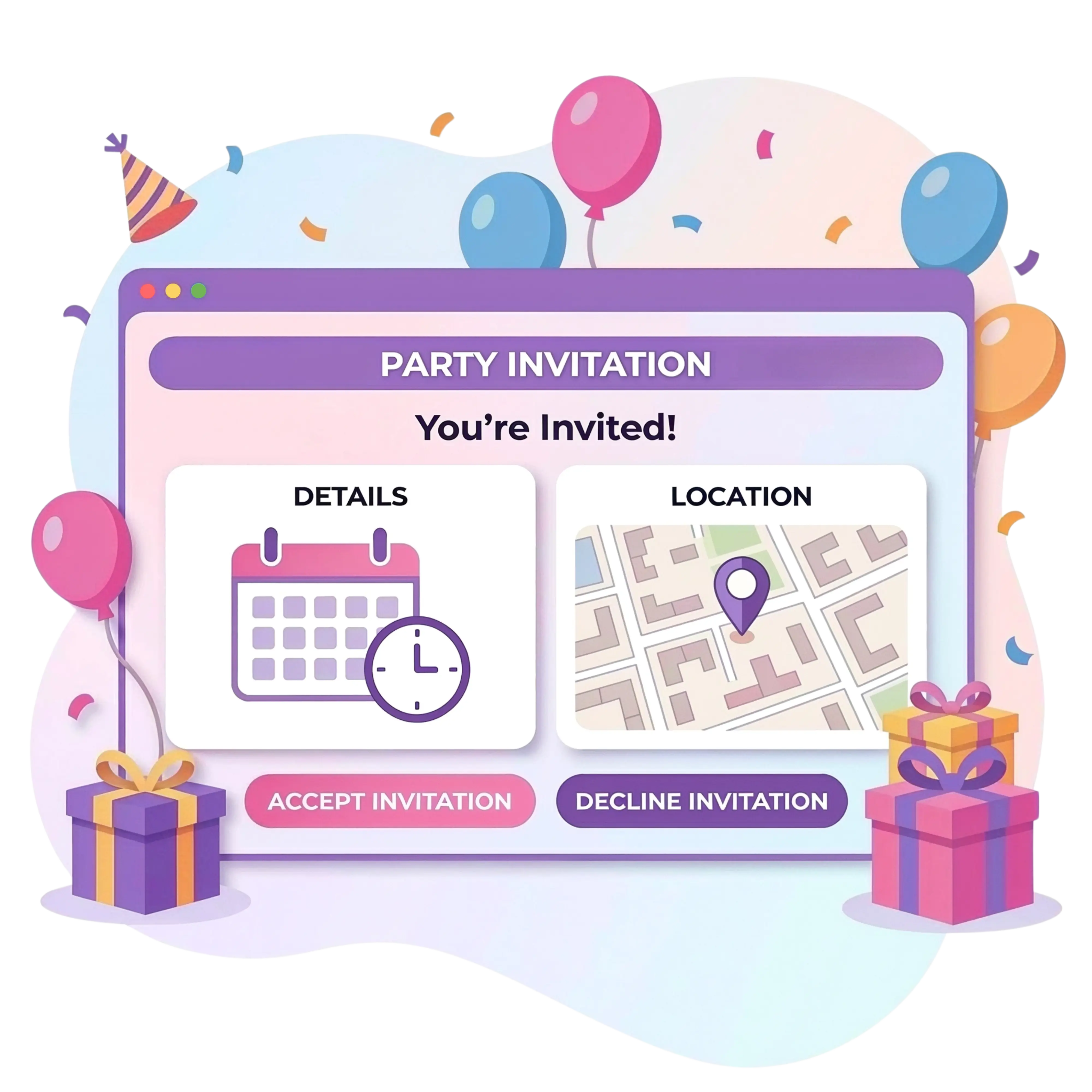
Guests confirm attendance in one click and data appears instantly in the organizer dashboard.
The integrated clock shows the exact time remaining until the celebration begins.
Integrate schedule directly into invitation so guests know exact activity timing.
Participants choose gifts or dishes directly from the page.
Guests find venue and generate smartphone directions via interactive map.
Event Coordination Tools
Integrate invitations into the digital space guests use daily.
Guests reserve time in Apple or Google Calendar with one tap.
If location or time changes, current information reflects instantly at the same URL.
Generate unique URL for WhatsApp, iMessage, or Telegram with a beautiful preview.
Create special code for instant page access at large-scale meetings or graduation parties.
Allow participants to leave comments, reviews, and upload photos after the event.
Modern Event Planning
Resending files when details change
Manual RSVP tracking in messages
Separate links for wishlists and menus
No schedule or feedback options
Manual address entry for navigation
Instant information updates at a single link
Automatic RSVP collection on the page
Integrated gift and food lists within the invitation
Built-in timeline and Guest Book with reviews
Interactive map with one-click route generation
Provide guests with a clear schedule, interactive map, and direct RSVP access on a structured page.
Digital invitation templates
Set the tone before the party starts. Browse the template catalog and find visual solutions for birthdays, wedding parties, baby showers, or seasonal celebrations. Edit the page for a specific theme: change color accents, upload a main photo, and personalize the appearance in a few clicks.
Party Planning Platform

Manage timelines, tasks, and logistics through a functional dashboard.

Build lists of desired items and enable reservations to prevent duplicates.

Distribute dishes among participants and coordinate a shared menu.

Collect attendance confirmations and gather data on guest food allergies.
Food Quantity Calculator
Skip the guesswork when planning a menu. The calculator figures out the right amount of food and drinks for any guest count automatically, ensuring everyone gets plenty to eat while keeping waste to a minimum.
Estimate food and drink quantities in seconds and keep your menu balanced for any guest count.
Calculate menuDigital Invite Support
A digital card is a static image or PDF file that cannot be updated after sending. An interactive event landing page works as a full website for the celebration. It includes active elements: RSVP forms, clickable maps, countdown timers, and integrated lists. Any changes to the schedule or location reflect instantly at the same link, removing the need to send new files to participants.
Yes. The system protects data privacy. Precise location, time, contact numbers, and other details stay hidden from outsiders. Only invited participants gain access to these specific details.
No. Event pages do not get indexed by search engines like Google and do not appear in public searches. Viewing celebration details is only possible via a unique link or a specific QR code provided by the organizer personally.
No. Creating a personalized landing page happens in a functional visual editor. The process only requires selecting a template, uploading photos, and filling text fields. The interface generates a responsive design automatically without writing code.
No. Viewing and interacting with the invitation requires no additional software. The page opens in standard web browsers (Safari, Chrome, etc.) on any smartphone, tablet, or computer immediately after clicking the link.
Yes. All created wishlists, potluck menus, and the Guest Book integrate into the invitation structure. Participants browse options and reserve items directly on the event page without switching to external resources.
Yes. The visual design of additional modules matches the general page style automatically. Additionally, the organizer can edit list names, add descriptions, and attach photos to specific items for easier navigation.
Update the relevant fields in the organizer's dashboard. The system saves changes and synchronizes data on the invitation page immediately. Guests see the latest information the next time they open the link, allowing for quick coordination.
Yes, and this function is available for free. The organizer can generate notifications through the dashboard, and guests also have the option to use the calendar integration button for automatic smartphone alerts.
No, sharing invitations is completely free. The system generates a unique link that can be copied and sent via any preferred channel: messengers (Telegram, WhatsApp, iMessage), email, or social media.
Design an aesthetic event page, coordinate your guests, and focus on the moments that matter.