
Utility
Partykin Food Calculator
Estimate food and drink quantities in seconds and keep your menu balanced for any guest count.
Calculate menuPotluck List Manager
Turn shared meal preparation into a clear and enjoyable process. This tool helps create a precise list of necessary food and drinks. Guests claim items instantly, preventing duplicate desserts on the table. Ensure menu variety and enjoy the gathering instead of dealing with lengthy coordination in messengers.
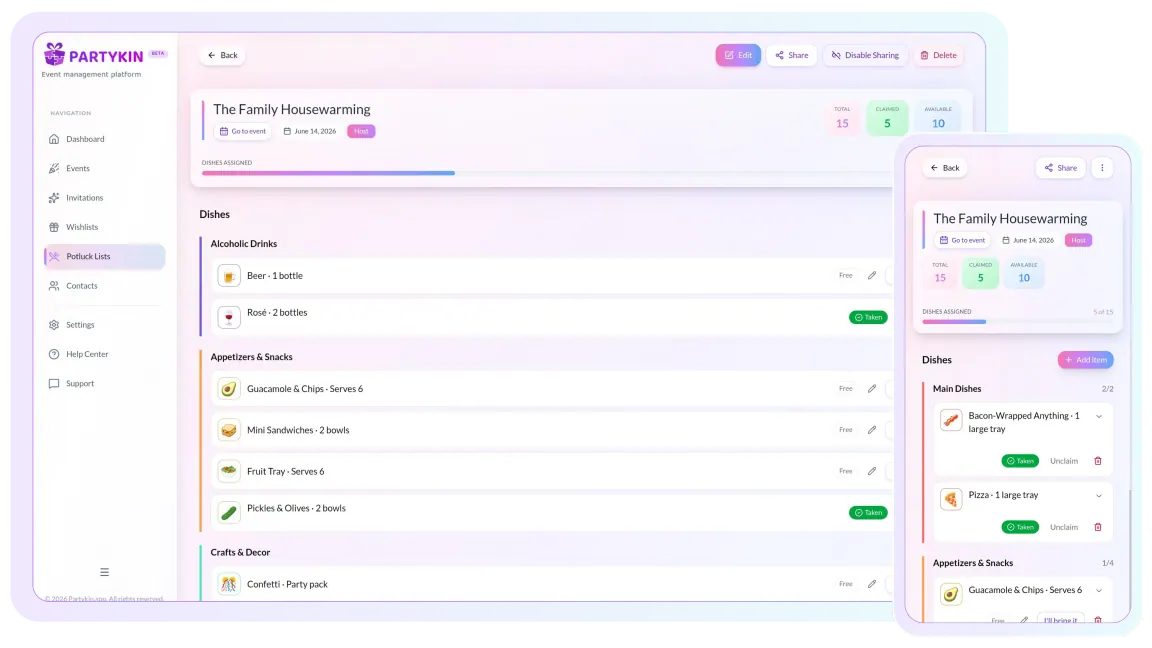
Set up the board in minutes, balance dishes in real time, and keep everyone aligned.
Digital Potluck Board
Distribute dishes and drinks in just a few minutes.
Create a closed potluck with specific items, or an open format with required dish counts (for example, 2 main courses or 3 salads).
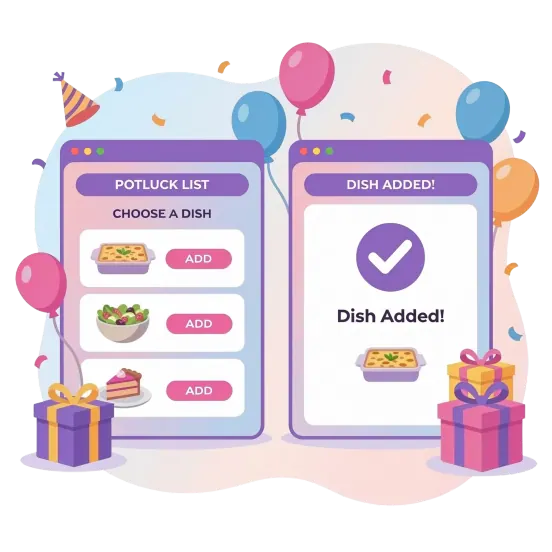
Make it easy for guests to secure preparation or purchase of specific food items.
Share via Telegram, WhatsApp, Viber, or integrate the list into an interactive invitation on the platform.
Smart Menu Planning
Build a complete table without a shortage of main courses or an excess of desserts.
When a guest claims an item, it becomes unavailable to others in real time.
Structure by sections like main courses, appetizers, and beverages for easy navigation.
Monitor selection progress in the host dashboard to see exactly which items are still needed.
Food Coordination & Details
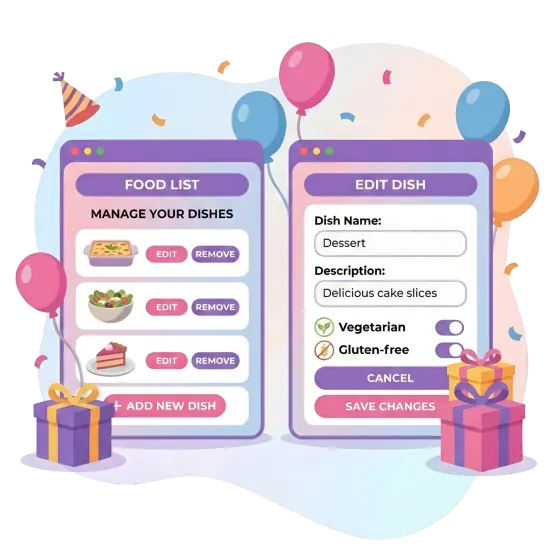
Provide guests with essential information about ingredients and portion sizes.
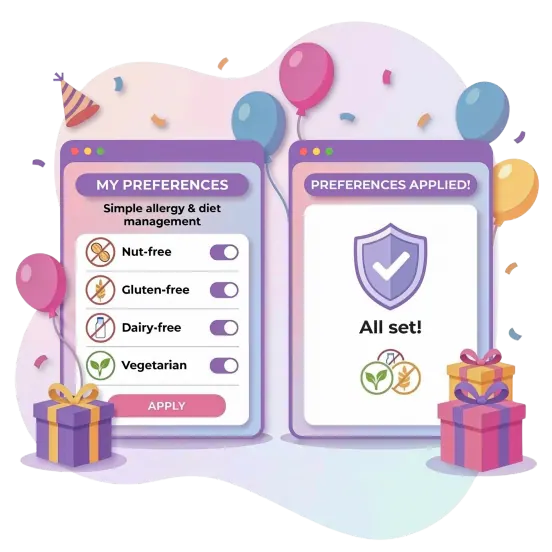
Allow guests to leave ingredient notes to warn about allergens or highlight vegan options.
Indicate the intended number of people for each dish to ensure there is enough food for everyone.
Adjust the list to match the event theme and overall gathering style.
Food Quantity Calculator
Skip the guesswork when planning a menu. The calculator figures out the right amount of food and drinks for any guest count automatically, ensuring everyone gets plenty to eat while keeping waste to a minimum.
Estimate food and drink quantities in seconds and keep your menu balanced for any guest count.
Calculate menuTransform event planning into a seamless experience.
Launch a functional dashboard, manage RSVPs, and keep every detail under control from start to finish.
Personalized Planning Options

Compile desired gift registries and allow reservations to avoid duplicates.

Store guest data and manage a contact base for future events.

Create stylish event pages with RSVPs, maps, and countdown timers.

Manage timelines, task lists, and overall logistics through a functional dashboard.
Potluck Coordination Assistance
The host creates a list of required dishes or groceries in the dashboard. Guests receive a link, access the page, and select the items they plan to bring. The system automatically updates the status for everyone.
The platform uses an instant claiming mechanic. As soon as a person selects a dish, it is marked as taken. This completely eliminates situations where multiple people bring the exact same salad or dessert.
Full account registration is not required. A guest follows the link and enters an email address while claiming an item. This confirms and records the choice in the system.
Yes. The platform offers interchangeable design templates. Adjust the page appearance to match the event style, from a formal dinner to a themed party.
Yes. The module functions as an independent tool. Create a list and share it at any time, even if the main event is not planned on the platform.
Yes. The tool supports creating sections. This visually simplifies the list and helps identify exactly which categories still need filling.
Guests can leave comments on selected dishes, noting the presence of specific ingredients. Additionally, the RSVP collection feature allows the host to learn about dietary restrictions in advance and account for them when planning the menu.
Yes. For this, an open potluck format is used, where the host leaves open slots (e.g., "Any dessert"). A guest independently enters the dish name, and it appears on the general list.
Guests can cancel or change a choice provided they have the appropriate access. All updates sync instantly and appear on the general list.
Launch a functional dashboard, manage RSVPs, and keep every detail under control from start to finish.