
Contact Book & Group Management
Build a contact database for event planning
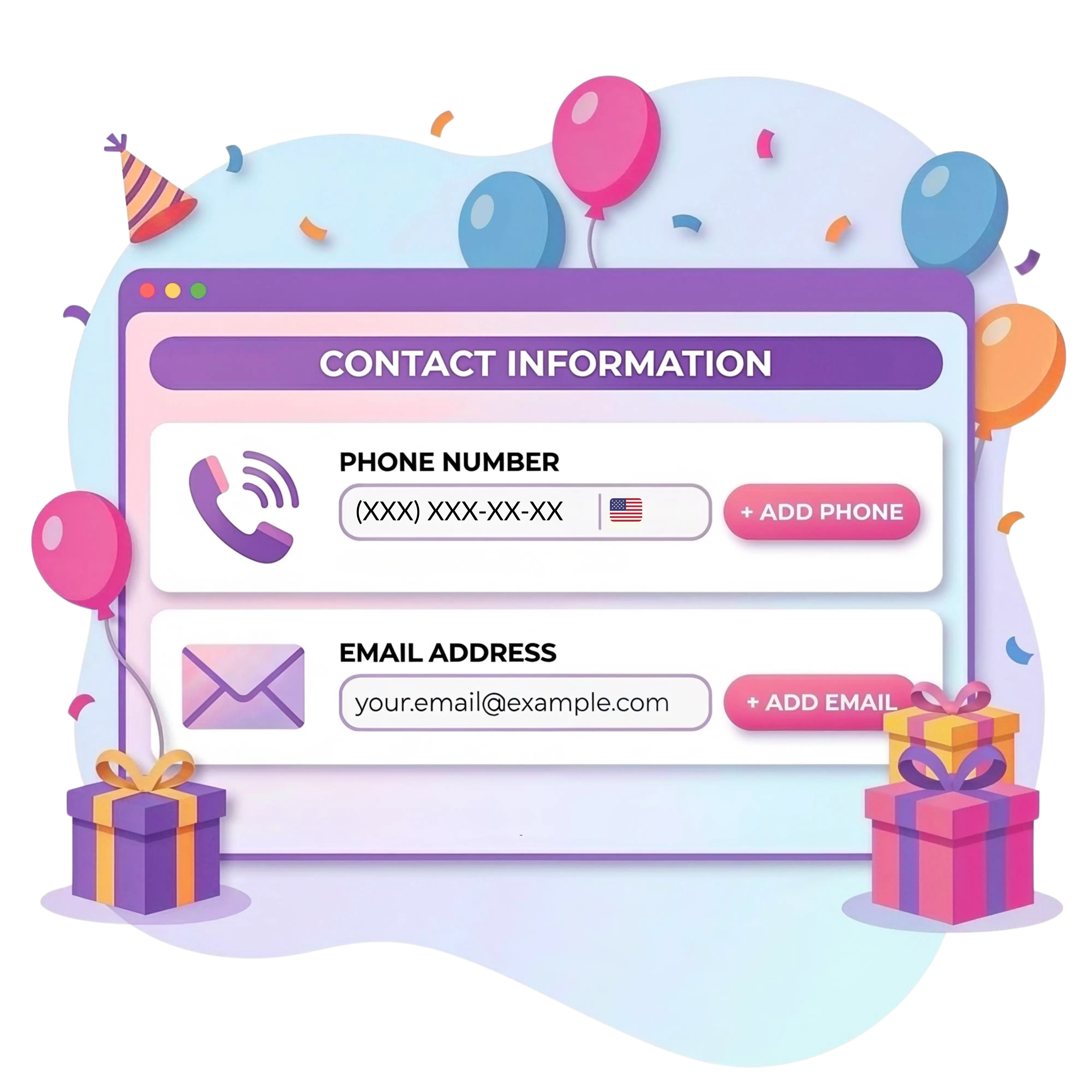
Partykin stores guest data in a single address book for repeated use. Instead of searching for numbers and names before every holiday, use a ready-made database to quickly create new invitations. The platform automatically records interaction history and preferences, significantly simplifying preparation for recurring events.
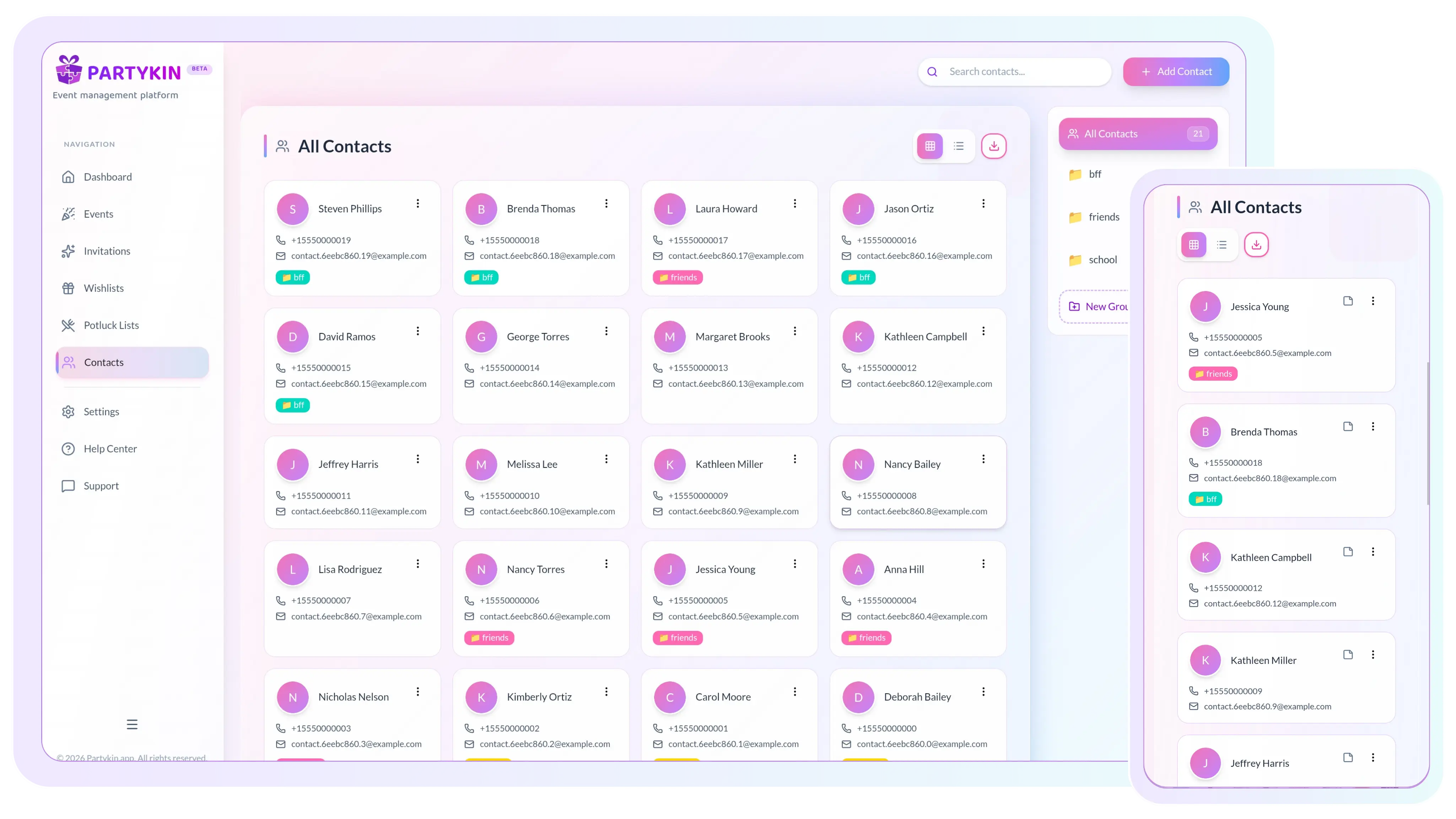
How We Make Contact Database Management Simple
Automate data collection, group guests, and keep reusable lists ready for every event.
Automated Database Growth
Automate contact database growth
Avoid manual data entry with the integrated registration system.
- Populate through public events
Guests who register independently via public links are automatically added to the contact book for future invitations.
- Reuse ready-made lists
Saved information remains available for all subsequent celebrations, corporate events, or family gatherings.
- Update contacts instantly
If a guest changes a phone number in a new RSVP, the platform updates the data automatically in the address book.
Smart Contact Sorting
Group contacts and send bulk invitations
Organize the database for quick guest searches and instant sharing.
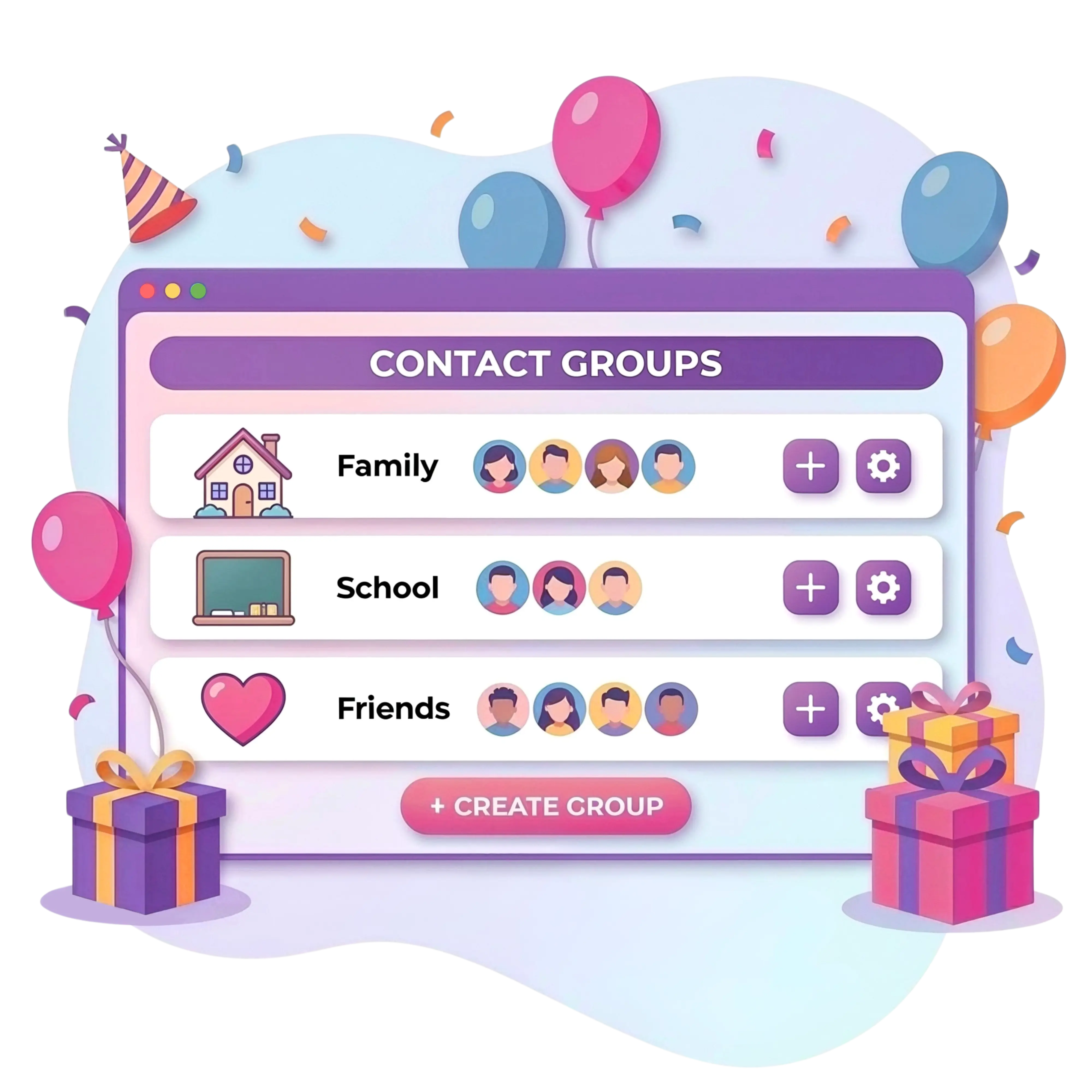
- Create thematic categories
Sort profiles into groups such as family, colleagues, and school friends for easy navigation.
- Add groups in one click
Invite entire categories to a new event simultaneously without selecting each guest separately.
- Manage centrally
Edit profiles, add notes, and update statuses through the functional host interface.
Data Management & Export
Exchange data and manage preferences
Use import tools and detail tracking for seamless event coordination.
- Import and export tables
Upload existing lists from Excel/CSV, or download the current database in spreadsheet format for off-platform work.
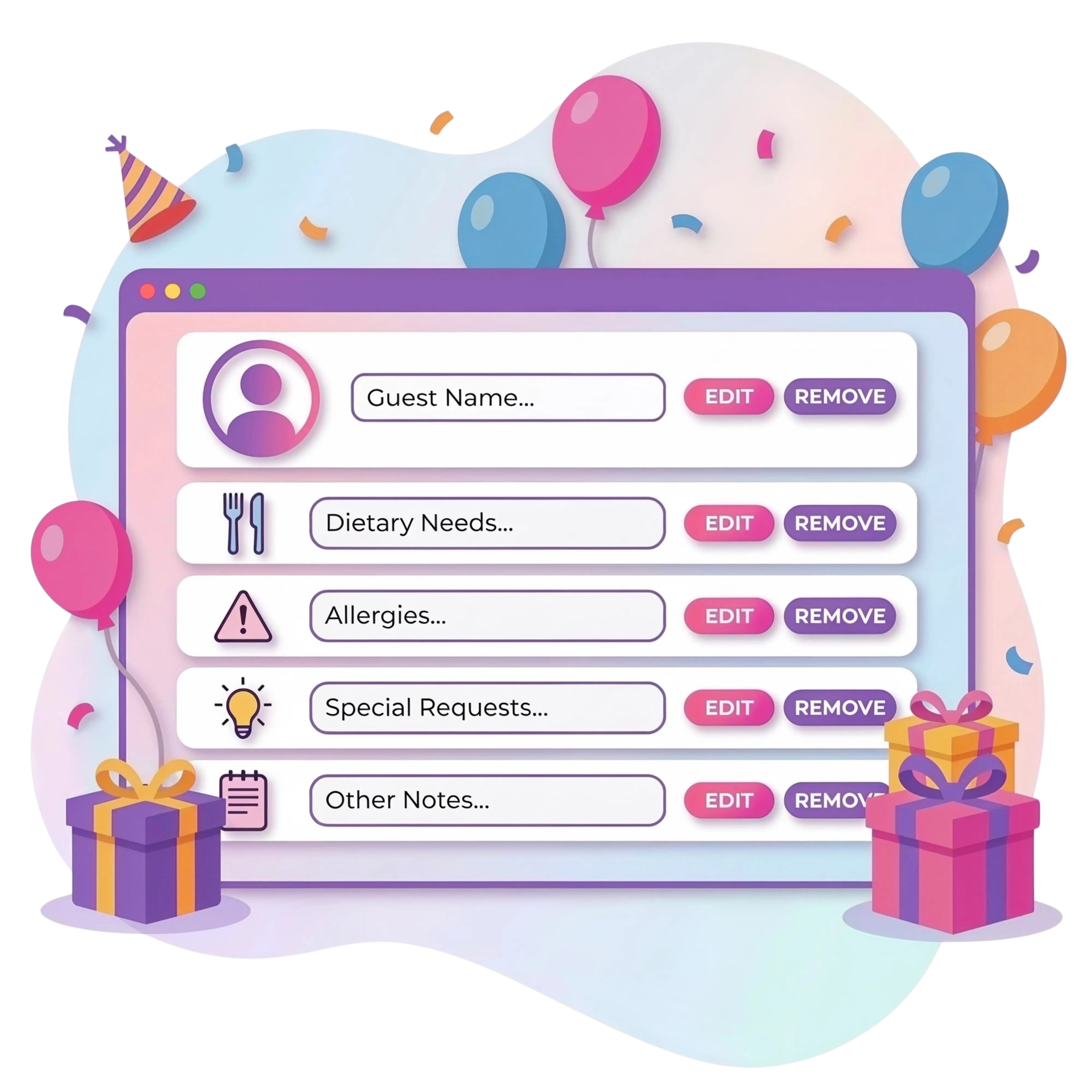
- Record dietary needs
Save information about food allergies or preferences from previous events directly in each guest profile.
- Store private notes
Use personalized profiles for quick menu and seating planning based on saved guest data.
Build a celebration story with Partykin today.
Set up a timeline, link a wishlist, and share an interactive invite in just a few clicks.
Personalized Planning Options
Explore other Partykin features

Event Card
Manage timelines, tasks, and logistics through a functional dashboard.

Interactive Invitation
Create stylish event pages with RSVPs, maps, and countdown timers.

RSVP Collection
Track guest numbers and confirm attendance in real time.

Potluck List
Coordinate dishes among guests and manage a shared menu.
Contact Management Assistance
Frequently Asked Questions
How does automatic contact saving work?
When a person confirms attendance for an event via the RSVP form (including public events), the system automatically creates or updates a profile in the general database. This data becomes available for all subsequent events.
Is it possible to upload a contact list from Excel?
Yes. The platform supports an import function, allowing quick transfers of existing names and numbers from spreadsheets. Exporting is also available for coordinating data with vendors or creating backups.
What is the advantage of a contact book over regular spreadsheets?
The platform directly integrates data with the invitation module. Any changes, from new contact details to dietary restrictions, automatically synchronize between past and future events without host intervention.
How are contacts organized for recurring events?
Create a separate group and add regular guests there. When creating a new event, simply select this category to add all individuals to the guest list simultaneously.
Can the platform be used exclusively as an address book?
Yes, the contact module functions as an independent tool. Add, group, import, and edit profiles at any time regardless of active events on the platform.
Build a celebration story with Partykin today.
Set up a timeline, link a wishlist, and share an interactive invite in just a few clicks.